
After many years of unemployment, jobseekers often find it very difficult to find their way back into work. Even before the actual start of an often necessary activation or stabilisation programme, the nerve-wracking and time-consuming search for the right individual support offer begins - because not every programme is suitable for every problem situation.
The activation fairs initiated at the Salzlandkreis Job Centre locations in recent weeks offered a total of 283 customers the opportunity to gain an overview of the various educational institutions and programmes. At the fairs, interested parties can get to know a wide range of activation and stabilisation programmes in an uncomplicated way, talk directly to training providers and ultimately select the offer that suits them best. The fact that future participants can compare the programmes directly and ask questions to the training providers means that they enter their "desired programme" motivated and unbiased.
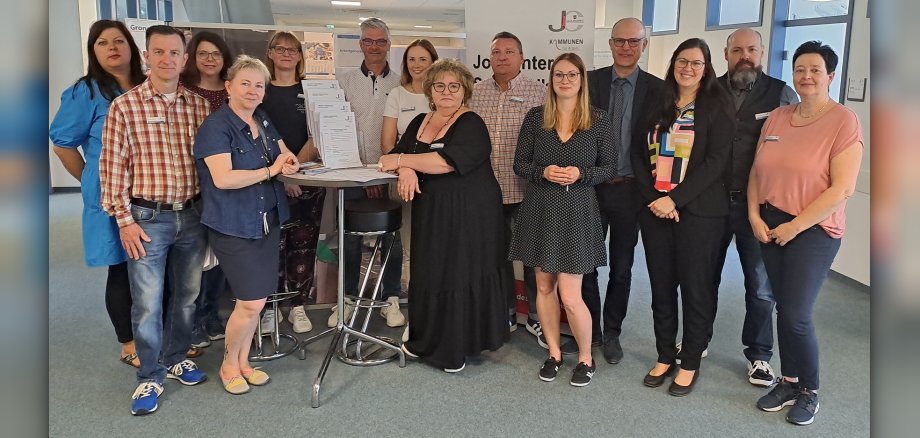
At the Jobcentre in Bernburg, for example, six educational institutions – BQI – Beschäftigungsförderungs-, Qualifizierungs- uns Innovationsgesellschaft mbH, Dienstleistungszentrum e.V., FAW – Fortbildungsakademie der Wirtschaft GmbH, Grone-Bildungszentren Sachsen-Anhalt GmbH, gsm GmbH and VHS-Bildungswerk GmbH – presented their services to visitors. The necessary information and documents were exchanged directly, with job centre staff on hand to answer any questions about procedures and processes.
Daniela Hähnel, an employee at FAW - Fortbildungsakademie der Wirtschaft GmbH, reports: "It is important to build up trust with the future participants first. The aim is to find out the interests, hobbies and inclinations of the individual in a personal discussion in order to then find the right activation or support programme together."
Claudia Eckert-Meisters, Head of VHS-Bildungswerk GmbH, has already attended the activation fair in Aschersleben and is also enthusiastic about it in Bernburg: "The event is superbly organised and offers a good opportunity to talk to job seekers." She reports that visitors to the fair are often initially reluctant to come to the stand. However, once the conversation has started, the jobseekers decide quite quickly and concretely in favour of an offer. Eckert-Meisters often receives applications for support programmes from participants even after an activation fair has taken place.
Kathrin Jasten from Dienstleistungszentrum e.V. also confirms: "It is important that customers know what is available so that they can make the right choice for themselves."
The Salzlandkreis Job Centre has drawn a positive balance so far: 9 job seekers have decided on an offer directly on site at the fair in Bernburg alone and will start a 6-month measure for activation and professional integration in the next few weeks.
"From our previous experience, we know that these fair formats have been very successful. We have already been able to provide many of our customers with targeted support in selecting suitable activation and stabilisation offers through similar events," explains Helen Weigel, Head of the Integration Department at the Salzlandkreis Job Centre.
The last of the Salzlandkreis Job Centre's 5 activation fairs is planned for 30 May 2024 at the Schönebeck location.