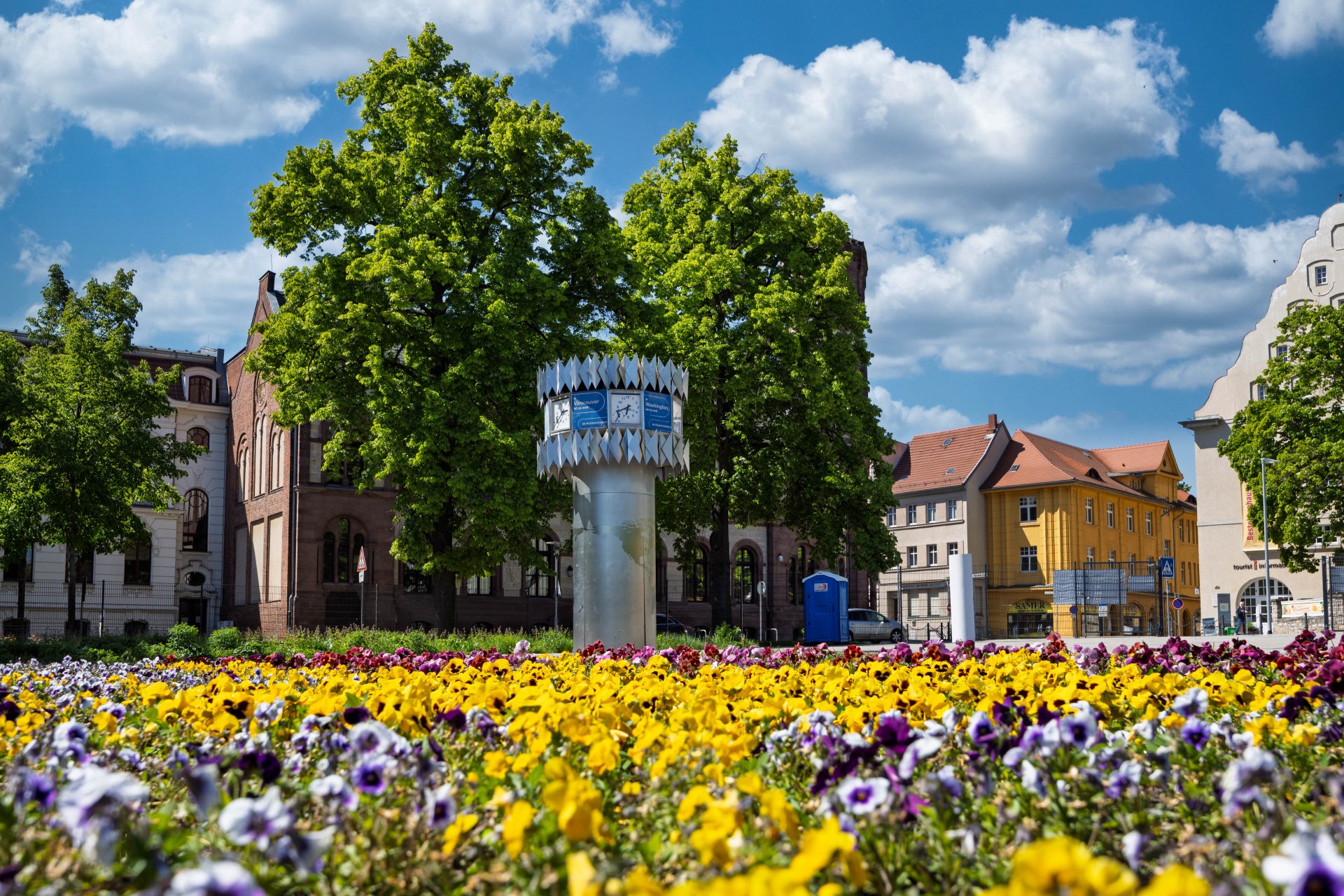


World time clock in Aschersleben
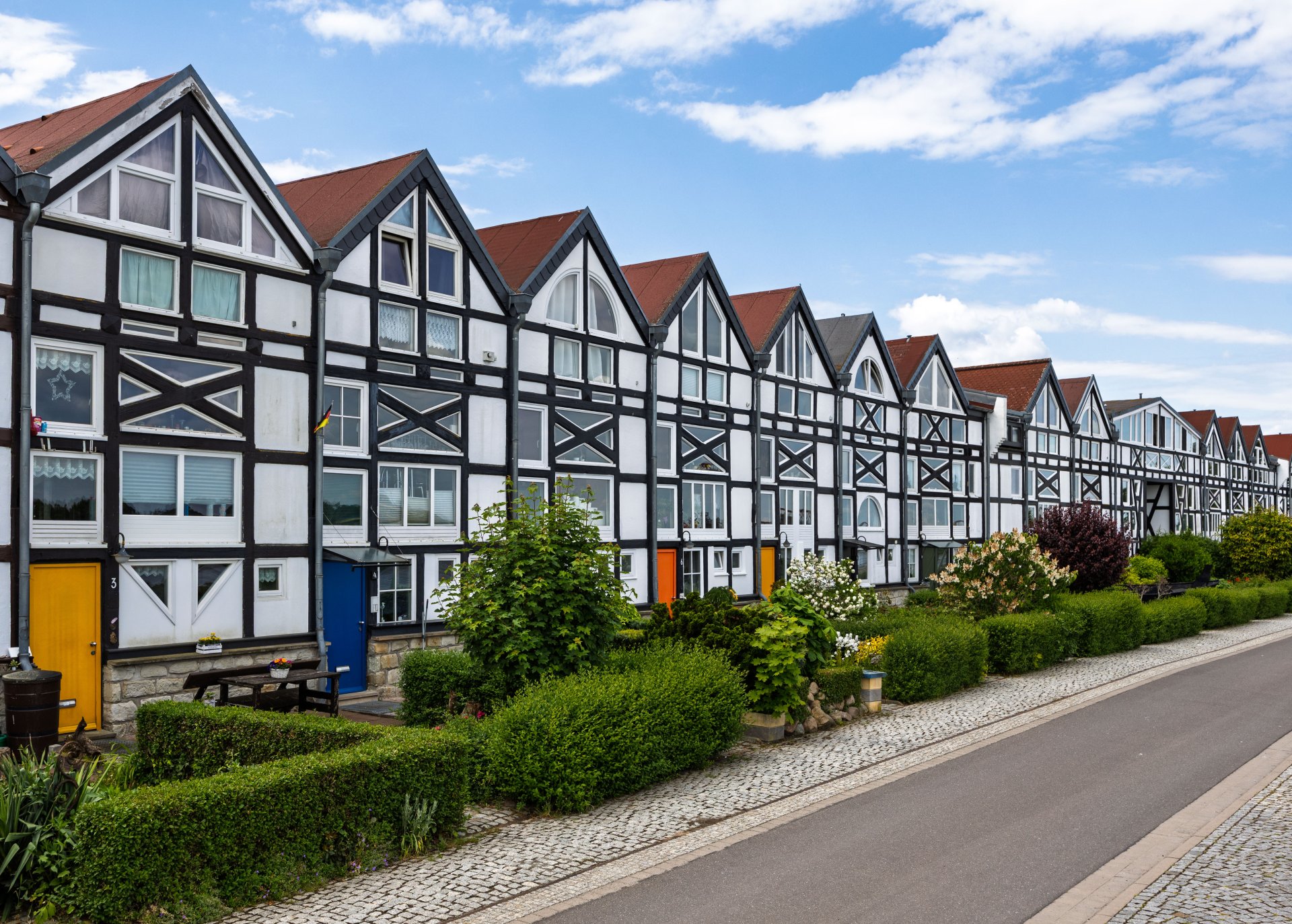
Half-timbered houses in Schönebeck
Lock in Bernburg (Saale)
Saalefee on the river Saale
This page has been automatically translated. There may therefore be discrepancies and inaccuracies in the text. Only the original version is binding. Legal claims arising from the content of the translated version are excluded.

Public notifications

Public announcement of a notification for the purpose of public service

In accordance with Section 1 (1) of the Administrative Service Act of the State of Saxony-Anhalt (VwZG-LSA) in conjunction with Section 10 (2) sentence 1 of the Administrative Service Act (VwZG) in conjunction with Section 1 (1) of the Administrative Procedure Act of Saxony-Anhalt (VwVfG LSA), the website of the Salzlandkreis district has been designated as the place for public notification of a notice for the purpose of public service within the meaning of Section 10 VwZG. Pursuant to Section 10

(2) sentence 6 VwZG, a document is deemed to have been served if two weeks have elapsed since the date of publication of the notice.

AuthorityName of the addresseeDate and reference number of the documentPublished onCancellation takes place onLink to the notification
22 Youth and Family Services,
SG 22.6 Advance Maintenance Payments
Mr Sandy Rinaldo Fahrenholz16.03.2026
22/212/0092-0097/26 
17.03.202631.03.2026Public service
FD 31 Veterinary Affairs and Consumer Health ProtectionMr Marcel Neumann16 March
202639.16.90/020-2026/buk
18.03.202601.04.2026Public service
FD 43 Building Regulations SG 43.2 Legal building supervisionHeirs to Michael Wehner, born 28/03/196206.03.2026
305.z-05122 015 - 020/20
19.03.202608.04.2026Public service

LVwA hiring decision
FD 30 - Aliens and asylum law; SG 30.2 Granting of benefitsMr Alpha Oumar BAH23.03.2026
33.60.20.30-19769
23.03.202606.04.2026Public service
FD 30 - Aliens and asylum law; SG 30.2 Granting of benefitsMr Carlos BARI25.03.2026
33.60.20.30-19054
26.03.202609.04.2026Public service

Help with accessibility

  • General

    We strive to make our websites accessible to all users. Details can be found in our accessibility statement. You can send us your suggestions for improvement using our accessibility feedback form.

  • Font size

    To adjust the font size, please use the following key combinations:

    Larger

    command
    +

    Smaller

    command

    Larger

    Ctrl
    +

    Smaller

    Ctrl
  • Keyboard navigation

    Use TAB and SHIFT + TAB to navigate through next/previous links, form elements, and buttons.

    Use ENTER to open links and interact with elements.

  • Contrast mode

    Press the following key combination to reduce or increase the contrast:

    Enlarge

    control
    option
    command
    .

    Decrease

    control
    option
    command
    ,
    Note: The shortcuts must be activated in the system settings of the operating system.

    Press the left ALT key + left SHIFT key + PRINT to quickly turn high contrast mode on or off.

  • Invert colours

    Press the following key combination to switch the colour inversion on and off:

    control
    option
    command
    8
    Note: The shortcuts must be activated in the system settings of the operating system.

    First activate the screen magnifier and then switch the colour inversion on and off with the following key combinations:

    1. screen magnifier

    +

    2. invert colours

    Ctrl
    Old
    I
  • Screen magnifier

    Press the following key combinations to use the screen magnifier:

    Switch on/off

    option
    command
    8

    Enlarge view

    option
    command
    =

    Zoom out view

    option
    command
    Note: The shortcuts must be activated in the system settings of the operating system.

    Switch on / Enlarge view

    +

    Zoom out view