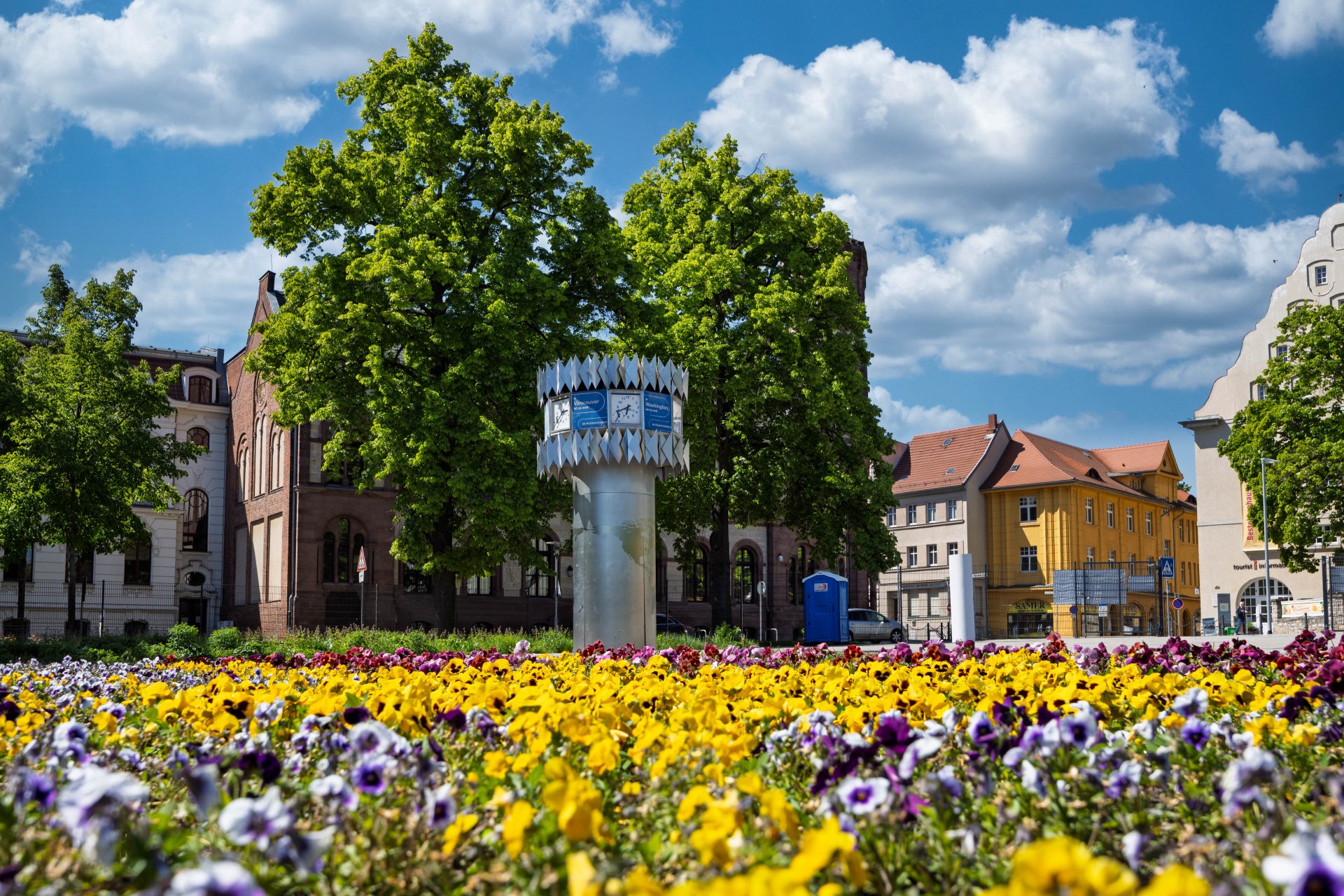




World time clock in Aschersleben
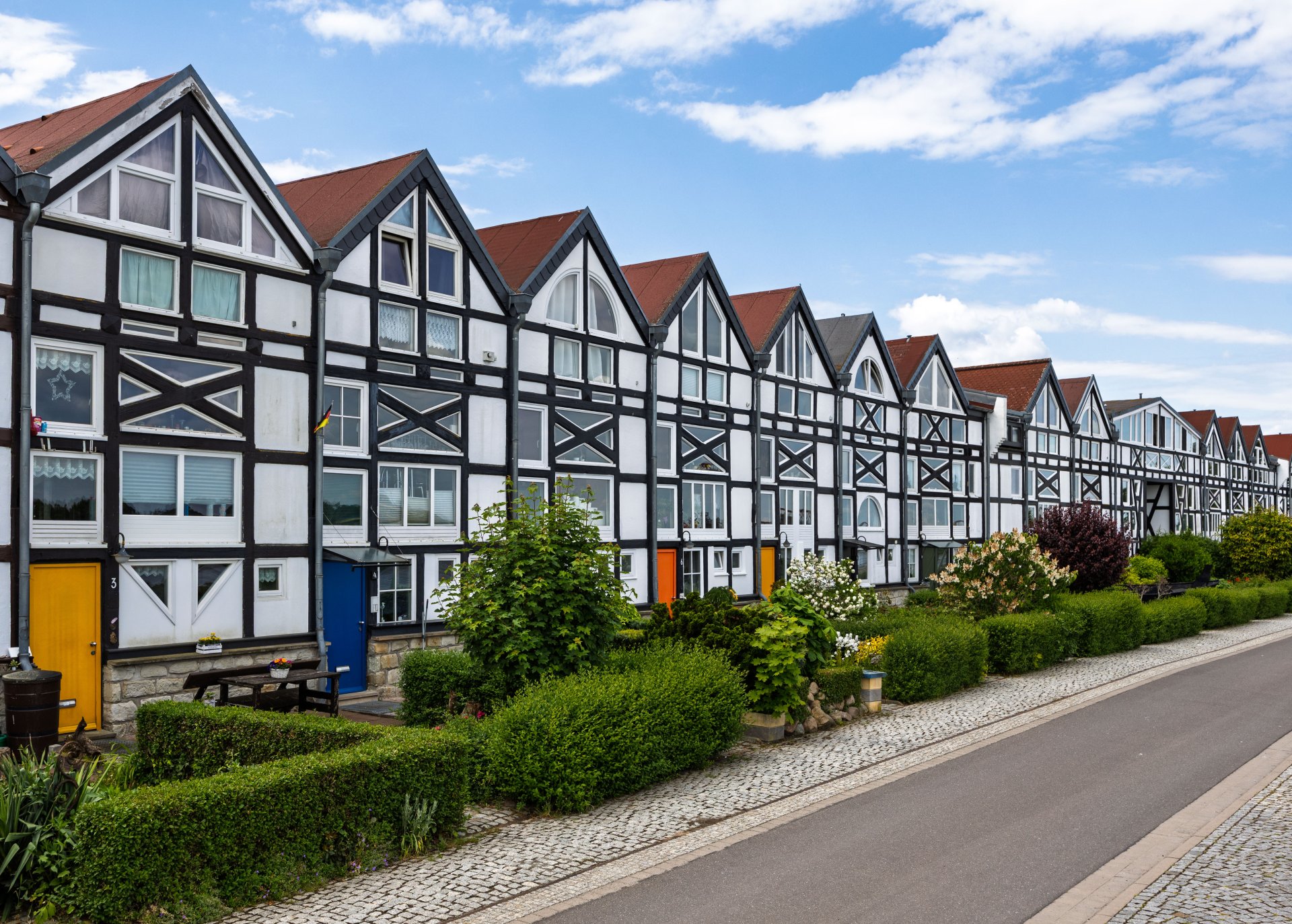
Half-timbered houses in Schönebeck
Lock in Bernburg (Saale)
Saalefee on the river Saale
This page has been automatically translated. There may therefore be discrepancies and inaccuracies in the text. Only the original version is binding. Legal claims arising from the content of the translated version are excluded.

Poultry protection remains necessary

Bernburg. A long-known animal disease, Newcastle disease (ND), to which chicken and turkey flocks are susceptible, is currently causing considerable animal suffering in Brandenburg and Bavaria. As a result, more animals have had to be culled in the past six weeks than in connection with the avian influenza outbreak this season.

The Salzlandkreis Veterinary Office is informing all poultry farmers and refers them to the information on its website. Official veterinarian Dr Christian Lutter explains: “The symptoms of the disease are almost indistinguishable. Any abnormalities in the birds, particularly deaths exceeding expected levels, declining egg production or poor weight gain, must therefore be investigated for both avian influenza and Newcastle disease. Practising vets and their laboratories are available for this purpose, or dead birds can be sent in directly. The Veterinary Office will assist with this.”

In this situation, it is beneficial that poultry flocks, all chickens and turkeys, are regularly vaccinated against ND. This vaccination is mandatory. However, the vaccination may not be fully effective against the current virus and ND may break out. Without the vaccination, the clinic would be significantly stronger.

Spring vaccinations for chickens and turkeys are currently underway. The dates of the veterinary practices are published on the Salzlandkreis homepage, as far as they are known to the district.

The Veterinary Office urgently reminds poultry farmers to segregate conspicuous poultry immediately and to comply with biosecurity measures.

The Veterinary Office can be contacted by telephone during office hours on

+49 3471 684-1457

or via the control centre.

Help with accessibility

  • General

    We strive to make our websites accessible to all users. Details can be found in our accessibility statement. You can send us your suggestions for improvement using our accessibility feedback form.

  • Font size

    To adjust the font size, please use the following key combinations:

    Larger

    command
    +

    Smaller

    command

    Larger

    Ctrl
    +

    Smaller

    Ctrl
  • Keyboard navigation

    Use TAB and SHIFT + TAB to navigate through next/previous links, form elements, and buttons.

    Use ENTER to open links and interact with elements.

  • Contrast mode

    Press the following key combination to reduce or increase the contrast:

    Enlarge

    control
    option
    command
    .

    Decrease

    control
    option
    command
    ,
    Note: The shortcuts must be activated in the system settings of the operating system.

    Press the left ALT key + left SHIFT key + PRINT to quickly turn high contrast mode on or off.

  • Invert colours

    Press the following key combination to switch the colour inversion on and off:

    control
    option
    command
    8
    Note: The shortcuts must be activated in the system settings of the operating system.

    First activate the screen magnifier and then switch the colour inversion on and off with the following key combinations:

    1. screen magnifier

    +

    2. invert colours

    Ctrl
    Old
    I
  • Screen magnifier

    Press the following key combinations to use the screen magnifier:

    Switch on/off

    option
    command
    8

    Enlarge view

    option
    command
    =

    Zoom out view

    option
    command
    Note: The shortcuts must be activated in the system settings of the operating system.

    Switch on / Enlarge view

    +

    Zoom out view