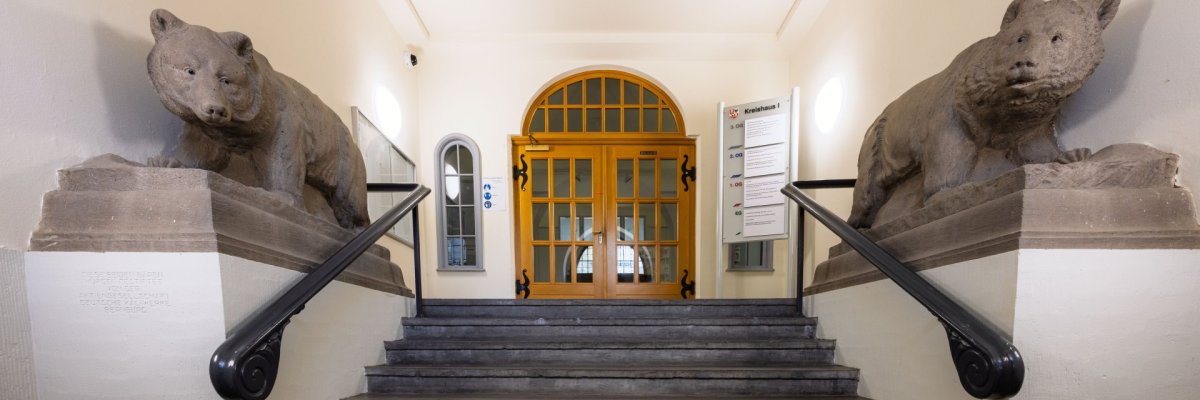
Main entrance Kreishaus 1 in Bernburg (Saale)
This page has been automatically translated. There may therefore be discrepancies and inaccuracies in the text. Only the original version is binding. Legal claims arising from the content of the translated version are excluded.

Contact page of the Salzland district

What can we do for you?

The form is loading, one moment please...

Electronic accessibility

Within the meaning of Section 9 EGovG LSA: Special electronic mailbox for public authorities (beBPo)

The e-mail communication channel is only available for informal contact. It should be noted that this means of communication cannot be used to submit applications or written pleadings that require the written form for legal reasons with legal effect. If a message received by e-mail contains a corresponding pleading, it is necessary to repeat the transmission by fax.

+49 3471 684-2828

or by post is absolutely necessary.

For further information on electronic accessibility, please refer to our legal notice.


Help with accessibility

  • General

    We strive to make our websites accessible to all users. Details can be found in our accessibility statement. You can send us your suggestions for improvement using our accessibility feedback form.

  • Font size

    To adjust the font size, please use the following key combinations:

    Larger

    command
    +

    Smaller

    command

    Larger

    Ctrl
    +

    Smaller

    Ctrl
  • Keyboard navigation

    Use TAB and SHIFT + TAB to navigate through next/previous links, form elements, and buttons.

    Use ENTER to open links and interact with elements.

  • Contrast mode

    Press the following key combination to reduce or increase the contrast:

    Enlarge

    control
    option
    command
    .

    Decrease

    control
    option
    command
    ,
    Note: The shortcuts must be activated in the system settings of the operating system.

    Press the left ALT key + left SHIFT key + PRINT to quickly turn high contrast mode on or off.

  • Invert colours

    Press the following key combination to switch the colour inversion on and off:

    control
    option
    command
    8
    Note: The shortcuts must be activated in the system settings of the operating system.

    First activate the screen magnifier and then switch the colour inversion on and off with the following key combinations:

    1. screen magnifier

    +

    2. invert colours

    Ctrl
    Old
    I
  • Screen magnifier

    Press the following key combinations to use the screen magnifier:

    Switch on/off

    option
    command
    8

    Enlarge view

    option
    command
    =

    Zoom out view

    option
    command
    Note: The shortcuts must be activated in the system settings of the operating system.

    Switch on / Enlarge view

    +

    Zoom out view