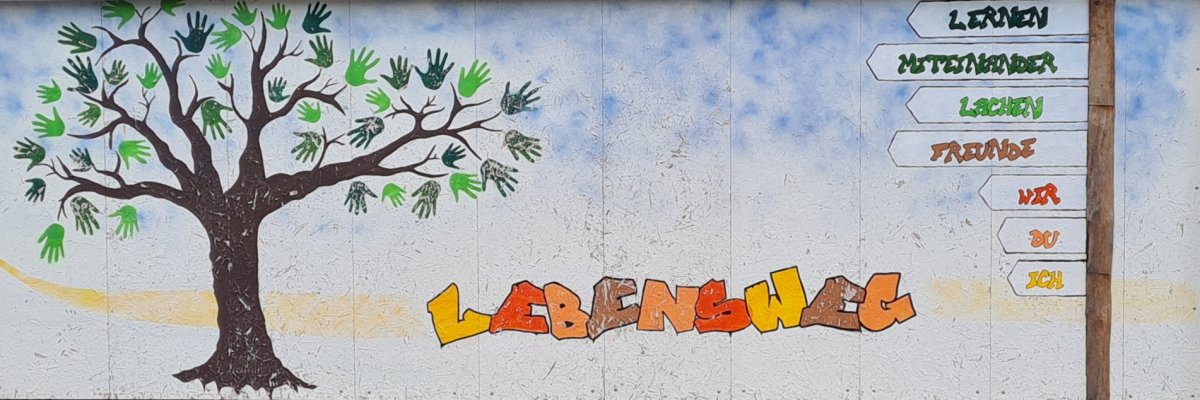
Special school Lebenswege Bernburg

Special school "Lebensweg" Bernburg - sponsored by the Salzland district

This page has been automatically translated. There may therefore be discrepancies and inaccuracies in the text. Only the original version is binding. Legal claims arising from the content of the translated version are excluded.

Parents

  • Parental work

    A good, conflict-free relationship with the parents - i.e. guardians - is essential for the joint educational task to succeed.

    Our aim is for all our pupils to develop positively. By positive development, we don't just mean academic development, but also general development.

    By parental work we mean discussions, advice, information, invitations to school, written communications, organisation of parental cooperation, referrals to youth welfare services or advice centres, special school events for or with parents.

    There are many opportunities for parents to get involved in school life. Here we would like to mention just a few of the opportunities for parental involvement at the school:

    • Class Parents' Council
    • Parents' council of the school
    • Homework help
    • Supervisors on school trips or excursions
    • Support for school festivals and events
  • Food provider

    This school year, lunch will again be provided by the catering company Land & Lecker Baalberge.

    Pre-ordering or cancellation in case of illness or hiking days is possible online or by telephone via our food provider:

    Land & Lecker c/o Agrargenossenschaft Baalberge eG

    Bypass road 30

    OT Baalberge

    06406 Bernburg (Saale)

    +49 3471 312237

    +49 3471 623009

    Attention: You can reach the administration of Agrargenossenschaft Baalberge eG at

    +49 3471 312234

  • Transport services

    Since the 2020/21 school year, our pupils have been transported by 2 transport services:

    EUROW Taxen und Transport GmbH

    Altenburger Chaussee

    06406 Bernburg (Saale)

    +49 3471 353535


    mobilReisen GmbH & Co. KG - Bus hire and taxi service

    Zum Handwerkerpark 3

    06406 Bernburg (Saale)

    +49 3471 313176


    Please ensure that your child is ready at the agreed departure point on time to avoid delays.

    Absences

    If your child is ill or unable to attend school for other reasons, please inform the transport service and the school immediately.
    Please also let them know when your child will need to be picked up again.

    For enquiries or changes to transport, please contact:

    No employees found.
  • Illness of the child

    Sickness notifications by telephone must be made to the school office by 7.30 am.

    +49 3471 684-615310

    +49 3471 684-563153

Help with accessibility

  • General

    We strive to make our websites accessible to all users. Details can be found in our accessibility statement. You can send us your suggestions for improvement using our accessibility feedback form.

  • Font size

    To adjust the font size, please use the following key combinations:

    Larger

    command
    +

    Smaller

    command

    Larger

    Ctrl
    +

    Smaller

    Ctrl
  • Keyboard navigation

    Use TAB and SHIFT + TAB to navigate through next/previous links, form elements, and buttons.

    Use ENTER to open links and interact with elements.

  • Contrast mode

    Press the following key combination to reduce or increase the contrast:

    Enlarge

    control
    option
    command
    .

    Decrease

    control
    option
    command
    ,
    Note: The shortcuts must be activated in the system settings of the operating system.

    Press the left ALT key + left SHIFT key + PRINT to quickly turn high contrast mode on or off.

  • Invert colours

    Press the following key combination to switch the colour inversion on and off:

    control
    option
    command
    8
    Note: The shortcuts must be activated in the system settings of the operating system.

    First activate the screen magnifier and then switch the colour inversion on and off with the following key combinations:

    1. screen magnifier

    +

    2. invert colours

    Ctrl
    Old
    I
  • Screen magnifier

    Press the following key combinations to use the screen magnifier:

    Switch on/off

    option
    command
    8

    Enlarge view

    option
    command
    =

    Zoom out view

    option
    command
    Note: The shortcuts must be activated in the system settings of the operating system.

    Switch on / Enlarge view

    +

    Zoom out view