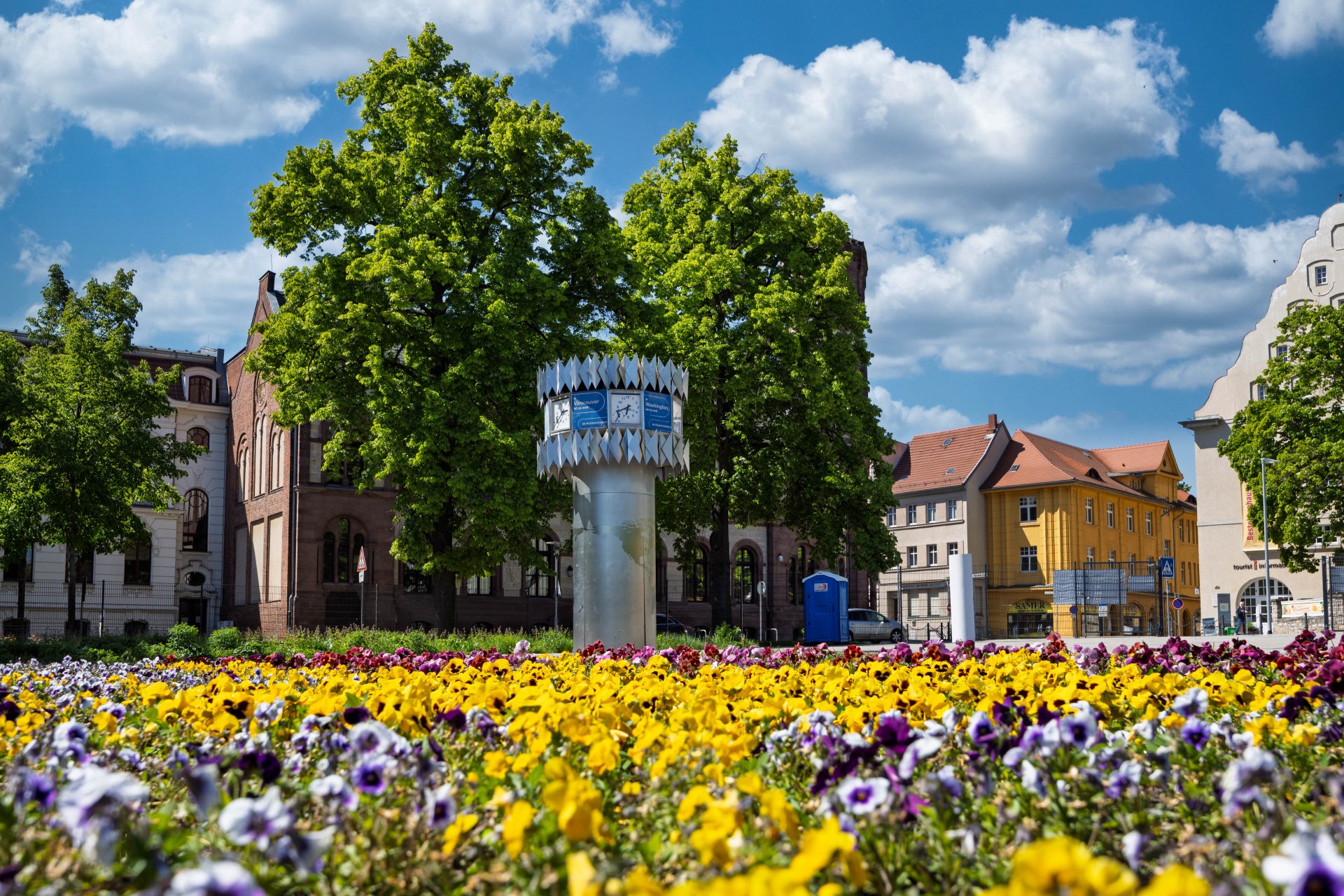

World time clock in Aschersleben
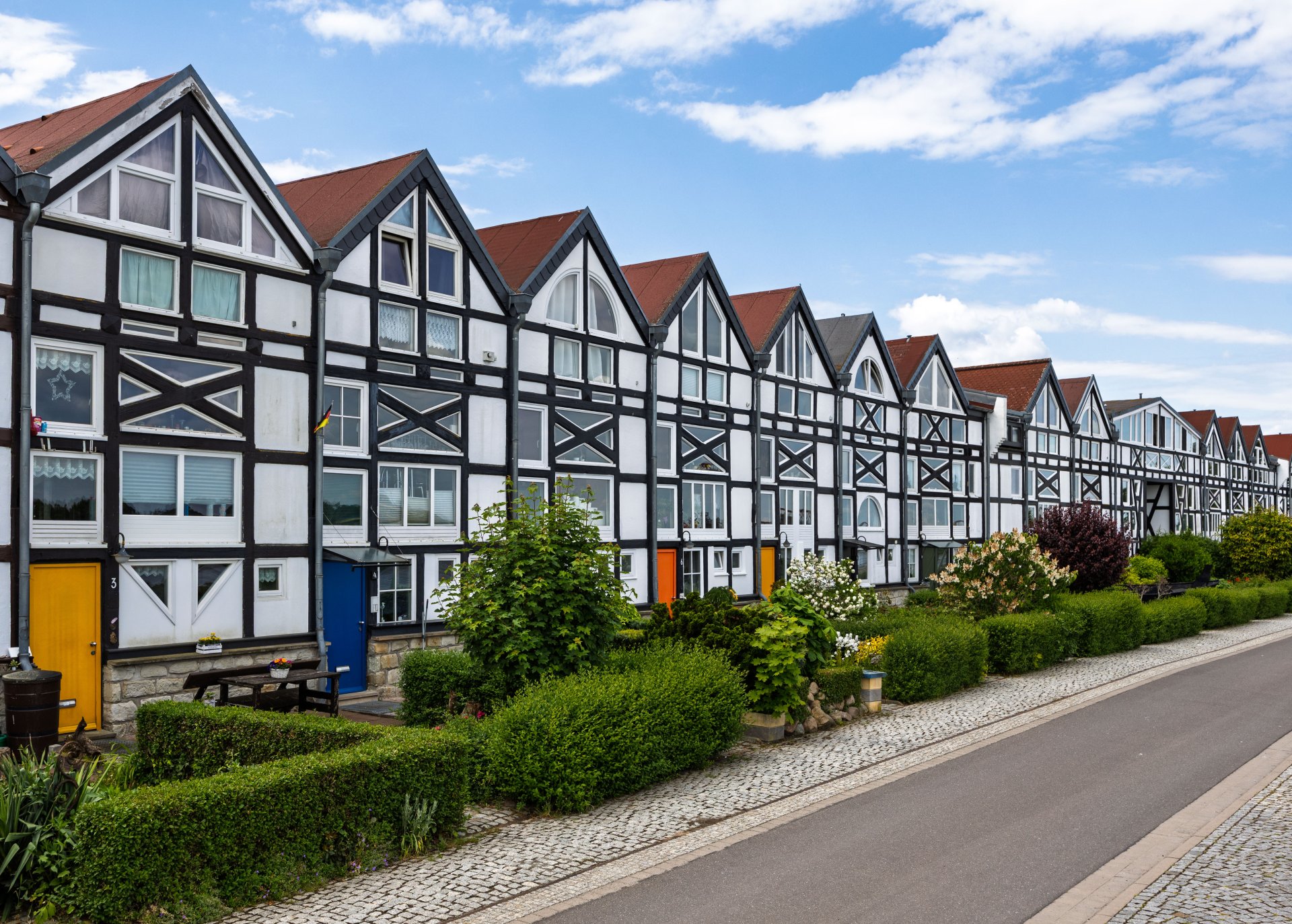
Half-timbered houses in Schönebeck
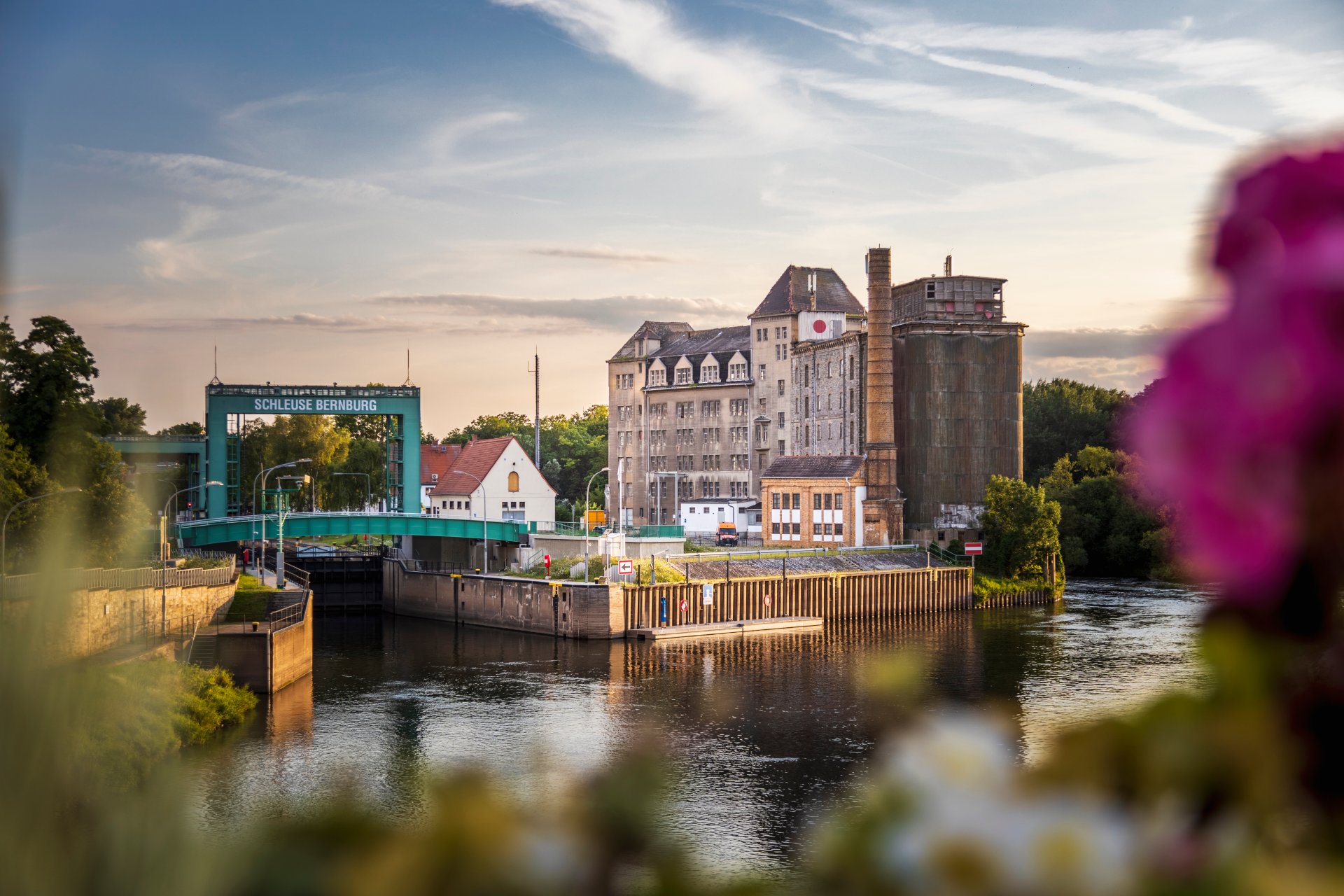
Lock in Bernburg (Saale)
Saalefee on the river Saale
This page has been automatically translated. There may therefore be discrepancies and inaccuracies in the text. Only the original version is binding. Legal claims arising from the content of the translated version are excluded.

REGIO ACTIVE

As part of the operational programme on the granting of subsidies for the regionalisation of labour market promotion from funds provided by the European Social Fund Plus and the state of Saxony-Anhalt, "REGIO AKTIV" in the ESF+ funding period from 2021 to 2027, the Salzlandkreis district is participating in the implementation of various projects in the course of the regionalisation of labour market policy.

The following projects are particularly relevant for the realisation of various projects within the framework of REGIO AKTIV:

  • Active integration
  • Strengthening families - opening up prospects
  • STABLE
  • Competence agency
  • PRACTICE BO
  • Job Coordination for Refugees (JOKO)
  • Training managers at vocational schools (TRAINING MANAGEMENT)

In addition, the interfaces, networks or committees listed below are responsible for the qualitative and sustainable implementation of the REGIO AKTIV operational programme:

  • Youth welfare counsellor
  • Regional coordination
  • Regional working group


Help with accessibility

  • General

    We strive to make our websites accessible to all users. Details can be found in our accessibility statement. You can send us your suggestions for improvement using our accessibility feedback form.

  • Font size

    To adjust the font size, please use the following key combinations:

    Larger

    command
    +

    Smaller

    command

    Larger

    Ctrl
    +

    Smaller

    Ctrl
  • Keyboard navigation

    Use TAB and SHIFT + TAB to navigate through next/previous links, form elements, and buttons.

    Use ENTER to open links and interact with elements.

  • Contrast mode

    Press the following key combination to reduce or increase the contrast:

    Enlarge

    control
    option
    command
    .

    Decrease

    control
    option
    command
    ,
    Note: The shortcuts must be activated in the system settings of the operating system.

    Press the left ALT key + left SHIFT key + PRINT to quickly turn high contrast mode on or off.

  • Invert colours

    Press the following key combination to switch the colour inversion on and off:

    control
    option
    command
    8
    Note: The shortcuts must be activated in the system settings of the operating system.

    First activate the screen magnifier and then switch the colour inversion on and off with the following key combinations:

    1. screen magnifier

    +

    2. invert colours

    Ctrl
    Old
    I
  • Screen magnifier

    Press the following key combinations to use the screen magnifier:

    Switch on/off

    option
    command
    8

    Enlarge view

    option
    command
    =

    Zoom out view

    option
    command
    Note: The shortcuts must be activated in the system settings of the operating system.

    Switch on / Enlarge view

    +

    Zoom out view