Various faces, some with glasses, looking side by side upwards to the left.
This page has been automatically translated. There may therefore be discrepancies and inaccuracies in the text. Only the original version is binding. Legal claims arising from the content of the translated version are excluded.

Easy language

Easy language

A warm welcome!

You are on the website of the Salzlandkreis Job Centre.


Contact us

Job centre Salzlandkreis

+49 3471 684-0

On this website you will find

  • Information about the Job Centre
  • Information on using the Salzlandkreis Job Centre website
Symbol reading person, logo for easy language


On this website, you will find information in simple language,
because everyone should be able to understand the text easily.

What does the job centre do?

The Job Centre is a government office.
It helps people in difficult life situations.

For example:
If you have been out of work for a long time.
And you can no longer pay your rent.
Or you do not have enough money to live on.

Then the Job Centre may be able to help you.
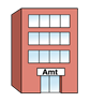
Symbolic image for office building.
Symbolic image with coins and banknotes.

To do so, you must submit an application
for citizen's income.

You must complete the application form and submit it to the
Job Centre.

The rules governing the citizen's income are laid down in law.
The law is contained in Social Code Book 2.
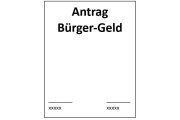
Symbolic image for the application.
Symbolic image with law book.

What benefits can you receive?

You can receive benefits from the Job Centre for
  • Cash
    benefitsFor example:
    Money for rent or living expenses
    .
  • ServicesFor
    example:
    Advice and information from the Job Centre.
  • Benefits in
    kind, for example: baby
    items or furniture.
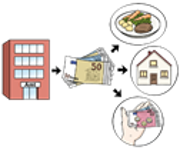
Symbolic image with banknotes, coins, house and food.
Symbolic image for a tri-fold flyer.


Symbolic picture with furniture and baby utensils.

What are the Job Centre's goals?

The Job Centre would like to help you with this:

  • You find a job
  • you have enough money for food and rent

Do you have any questions? The Job Centre will be happy to help you.
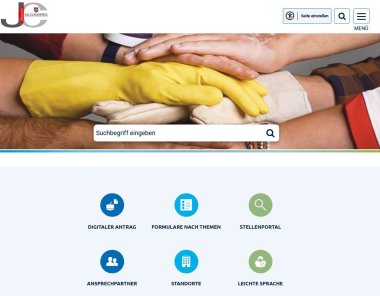
 

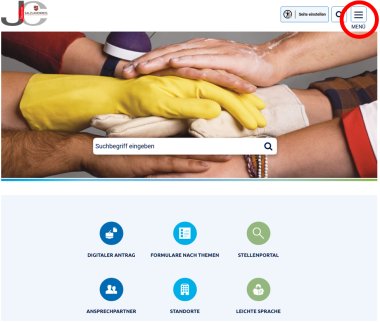
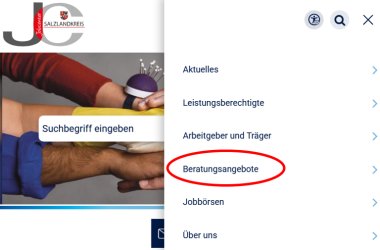
Illustration of the start page.


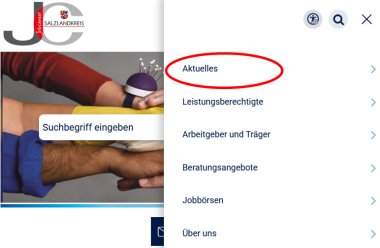
Illustration of the matching section of the home page.


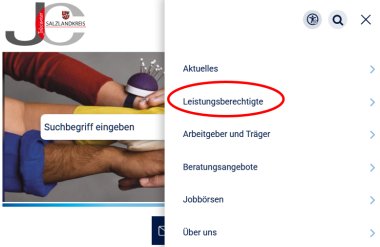
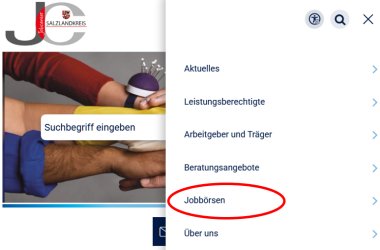
Illustration of the matching section of the home page.


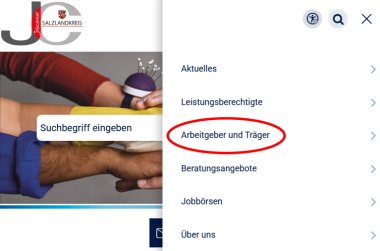
Illustration of the matching section of the home page.


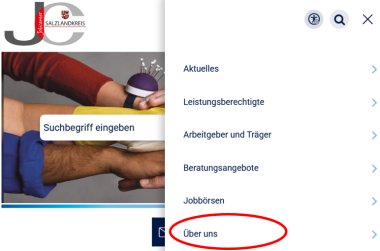
Illustration of the matching section of the home page.


Illustration of the matching section of the home page.


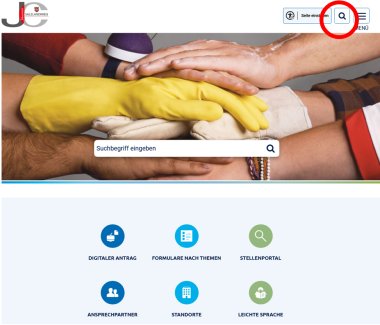
Illustration of the matching section of the home page.


Illustration of the matching section of the home page.


Illustration of the matching section of the home page.


Illustration of the matching section of the home page.


Illustration of the matching section of the home page.


The Salzlandkreis Job Centre has an information booklet in simple language.

The booklet is called:
Citizen's Income and Integration into the Labour Market

. Click on the
blue text to access the information booklet.

The text was translated into plain language and checked by :

Life assistance for people with intellectual disabilities
Landesverband Lebenshilfe Sachsen-Anhalt e.V.
Office for Easy Language

www.büro-leichte-sprache.deE-Mailsite: leichte-sprache@lebenshilfe-lsa.de

Images © Lebenshilfe Bremen e. V.,
illustrator Stefan Albers, Atelier Fleetinsel, 2013

Image © European Easy-to-Read logo: Inclusion Europe

Lebenshilfe Sachsen-Anhalt e. V. Logo


Aktion Mensch logo

Help with accessibility

  • General

    We strive to make our websites accessible to all users. Details can be found in our accessibility statement. Please send any suggestions for improvement to jc-redaktion@jc.kreis-slk.de.

  • Font size

    To adjust the font size, please use the following key combinations:

    Larger

    command
    +

    Smaller

    command

    Larger

    Ctrl
    +

    Smaller

    Ctrl
  • Keyboard navigation

    Use TAB and SHIFT + TAB to navigate through next/previous links, form elements, and buttons.

    Use ENTER to open links and interact with elements.

  • Contrast mode

    Press the following key combination to reduce or increase the contrast:

    Enlarge

    control
    option
    command
    .

    Decrease

    control
    option
    command
    ,
    Note: The shortcuts must be activated in the system settings of the operating system.

    Press the left ALT key + left SHIFT key + PRINT to quickly turn high contrast mode on or off.

  • Invert colours

    Press the following key combination to switch the colour inversion on and off:

    control
    option
    command
    8
    Note: The shortcuts must be activated in the system settings of the operating system.

    First activate the screen magnifier and then switch the colour inversion on and off with the following key combinations:

    1. screen magnifier

    +

    2. invert colours

    Ctrl
    Old
    I
  • Screen magnifier

    Press the following key combinations to use the screen magnifier:

    Switch on/off

    option
    command
    8

    Enlarge view

    option
    command
    =

    Zoom out view

    option
    command
    Note: The shortcuts must be activated in the system settings of the operating system.

    Switch on / Enlarge view

    +

    Zoom out view