This page has been automatically translated. There may therefore be discrepancies and inaccuracies in the text. Only the original version is binding. Legal claims arising from the content of the translated version are excluded.

Donate blood - save lives!

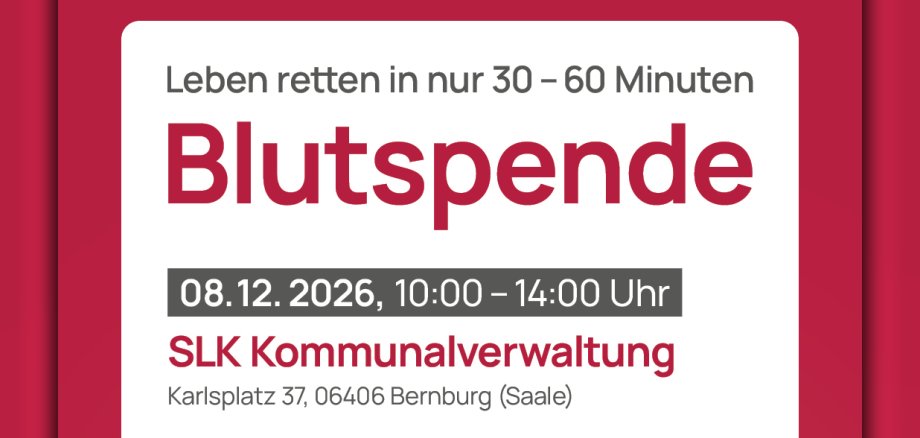
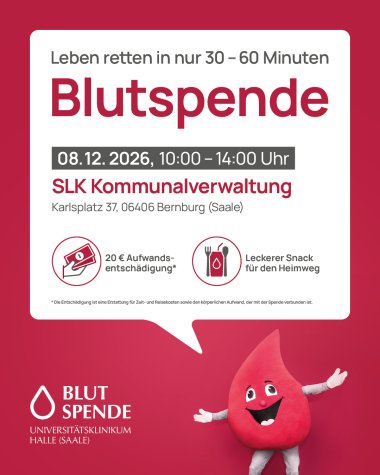
Poster: Blood donation on 8 December 2026, 10.00–14.00
© Halle (Saale) University Hospital

Bernburg. Donating blood is one of the simplest and quickest ways to do a good deed: by donating blood in just 30 to 60 minutes, you can help ensure that patients at Halle (Saale) University Hospital have a supply of blood products, thereby saving up to three lives. As a thank you for every donation, we’ll give you a tasty snack for the journey home and an allowance of €20.

When: 8 December 2026, from 10 am

  • without appointment and advance booking

Where:

Salzland District – District Office 1

Karlsplatz 37

06406 Bernburg (Saale)


When can you donate blood?

  • You are healthy
  • You weigh at least 50 kg
  • You do not have a cold
  • Your last whole blood donation was at least 8 weeks ago
  • You drank 1.5 litres beforehand
  • You bring an identity document with you

Advantages of your blood donation

  • 20 EUR expense allowance for your donation
  • You know your blood group
  • Delicious snack for the journey home
  • You save lives directly at the University Hospital Halle (Saale)

More information about blood donation

Help with accessibility

  • General

    We strive to make our websites accessible to all users. Details can be found in our accessibility statement. You can send us your suggestions for improvement using our accessibility feedback form.

  • Font size

    To adjust the font size, please use the following key combinations:

    Larger

    ⌘command
    +

    Smaller

    ⌘command
    –

    Larger

    Ctrl
    +

    Smaller

    Ctrl
    –
  • Keyboard navigation

    Use TAB and SHIFT + TAB to navigate through next/previous links, form elements, and buttons.

    Use ENTER to open links and interact with elements.

  • Contrast mode

    Press the following key combination to reduce or increase the contrast:

    Enlarge

    ⌃control
    ⌥option
    ⌘command
    .

    Decrease

    ⌃control
    ⌥option
    ⌘command
    ,
    Note: The shortcuts must be activated in the system settings of the operating system.

    Press the left ALT key + left SHIFT key + PRINT to quickly turn high contrast mode on or off.

  • Invert colours

    Press the following key combination to switch the colour inversion on and off:

    ⌃control
    ⌥option
    ⌘command
    8
    Note: The shortcuts must be activated in the system settings of the operating system.

    First activate the screen magnifier and then switch the colour inversion on and off with the following key combinations:

    1. screen magnifier

    +

    2. invert colours

    Ctrl
    Old
    I
  • Screen magnifier

    Press the following key combinations to use the screen magnifier:

    Switch on/off

    ⌥option
    ⌘command
    8

    Enlarge view

    ⌥option
    ⌘command
    =

    Zoom out view

    ⌥option
    ⌘command
    –
    Note: The shortcuts must be activated in the system settings of the operating system.

    Switch on / Enlarge view

    +

    Zoom out view

    –