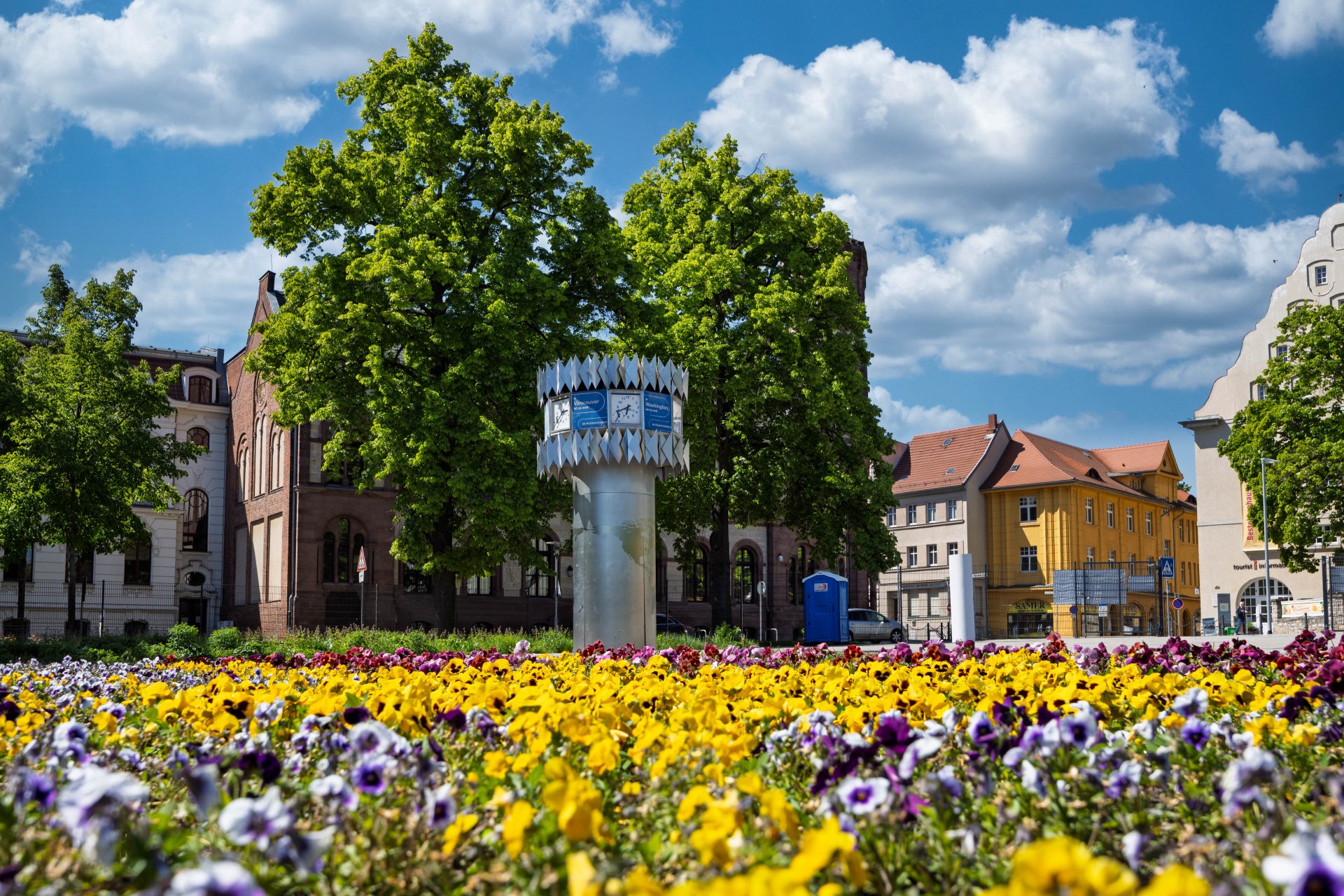


World time clock in Aschersleben
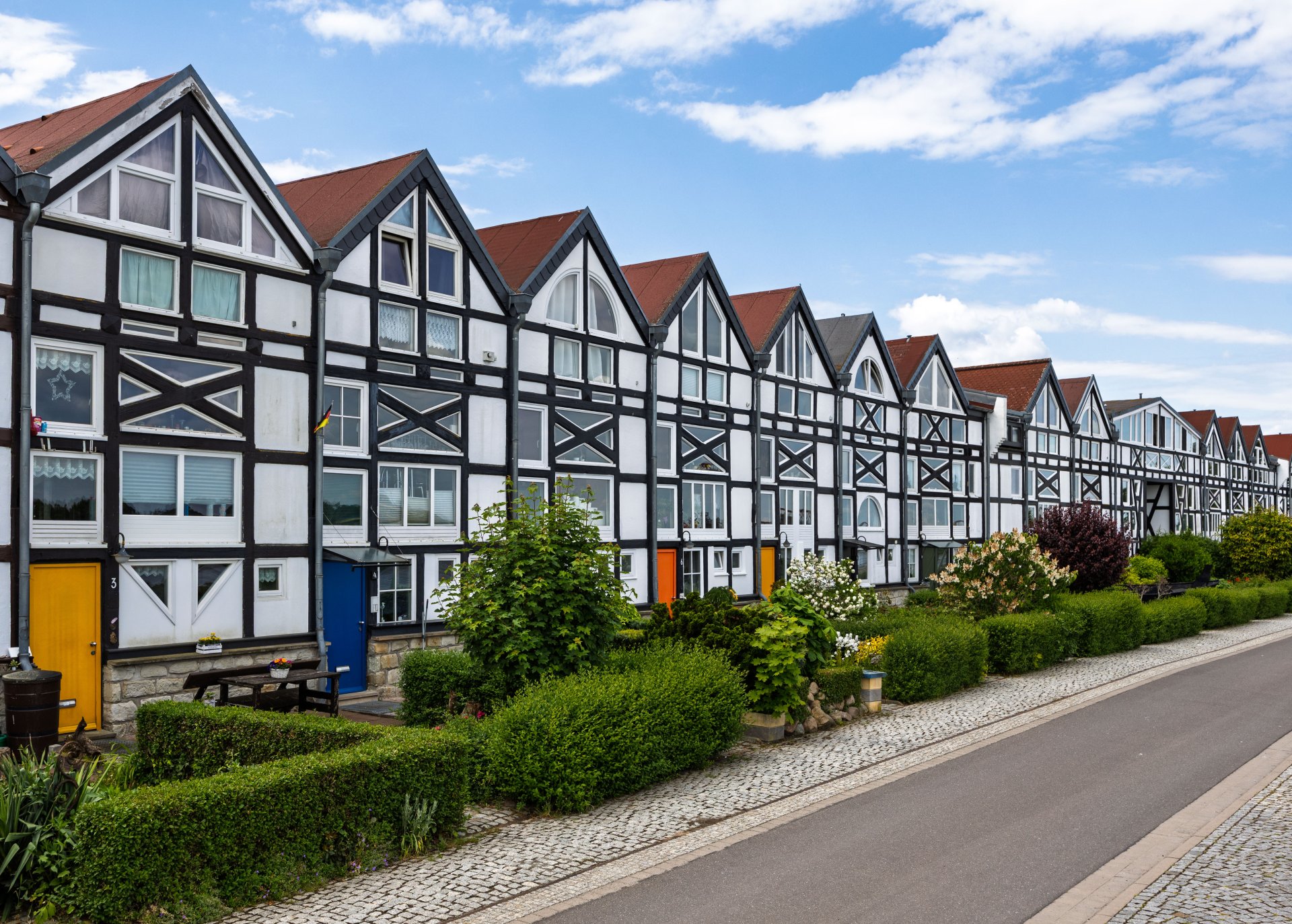
Half-timbered houses in Schönebeck
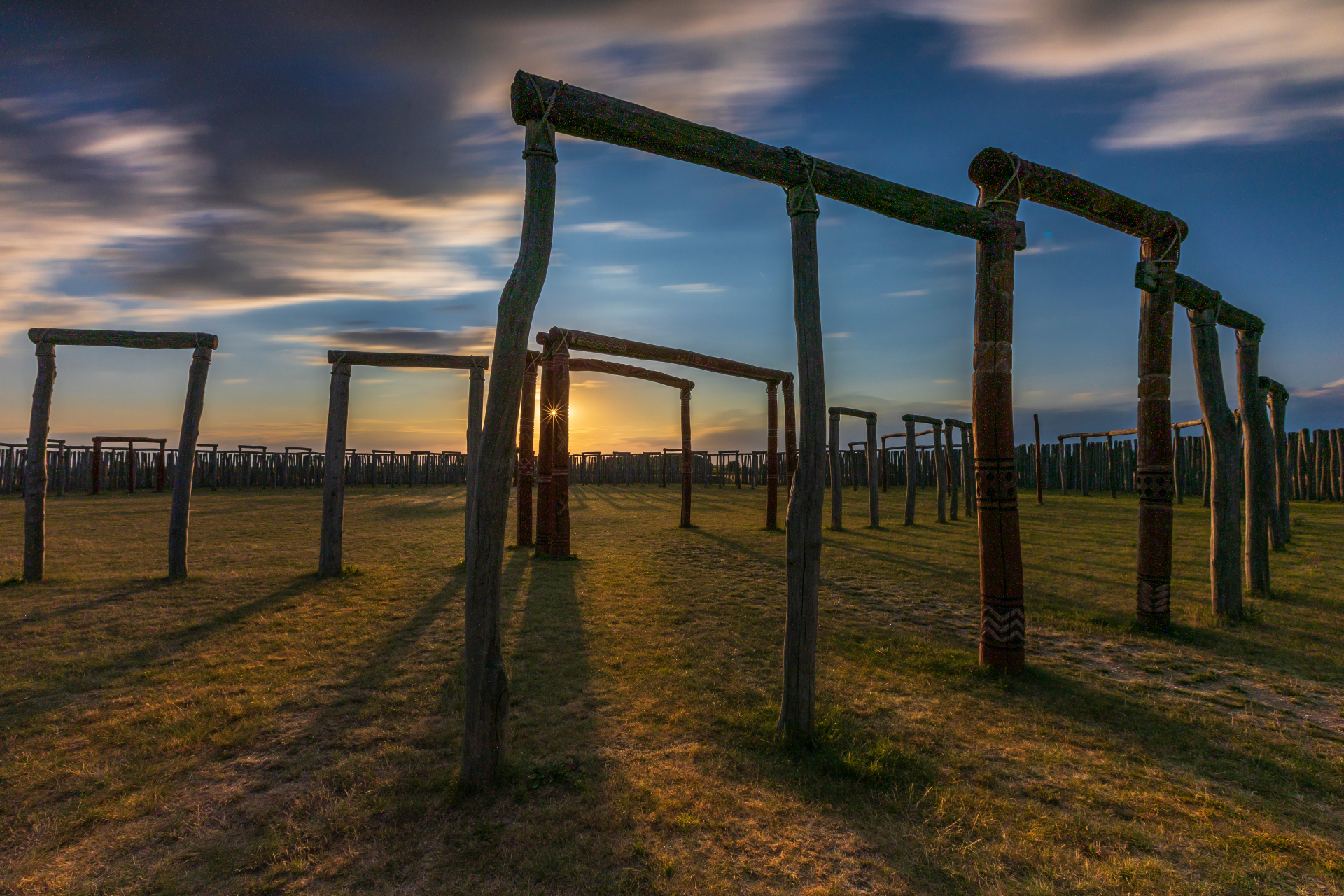
Pömmelte ring shrine
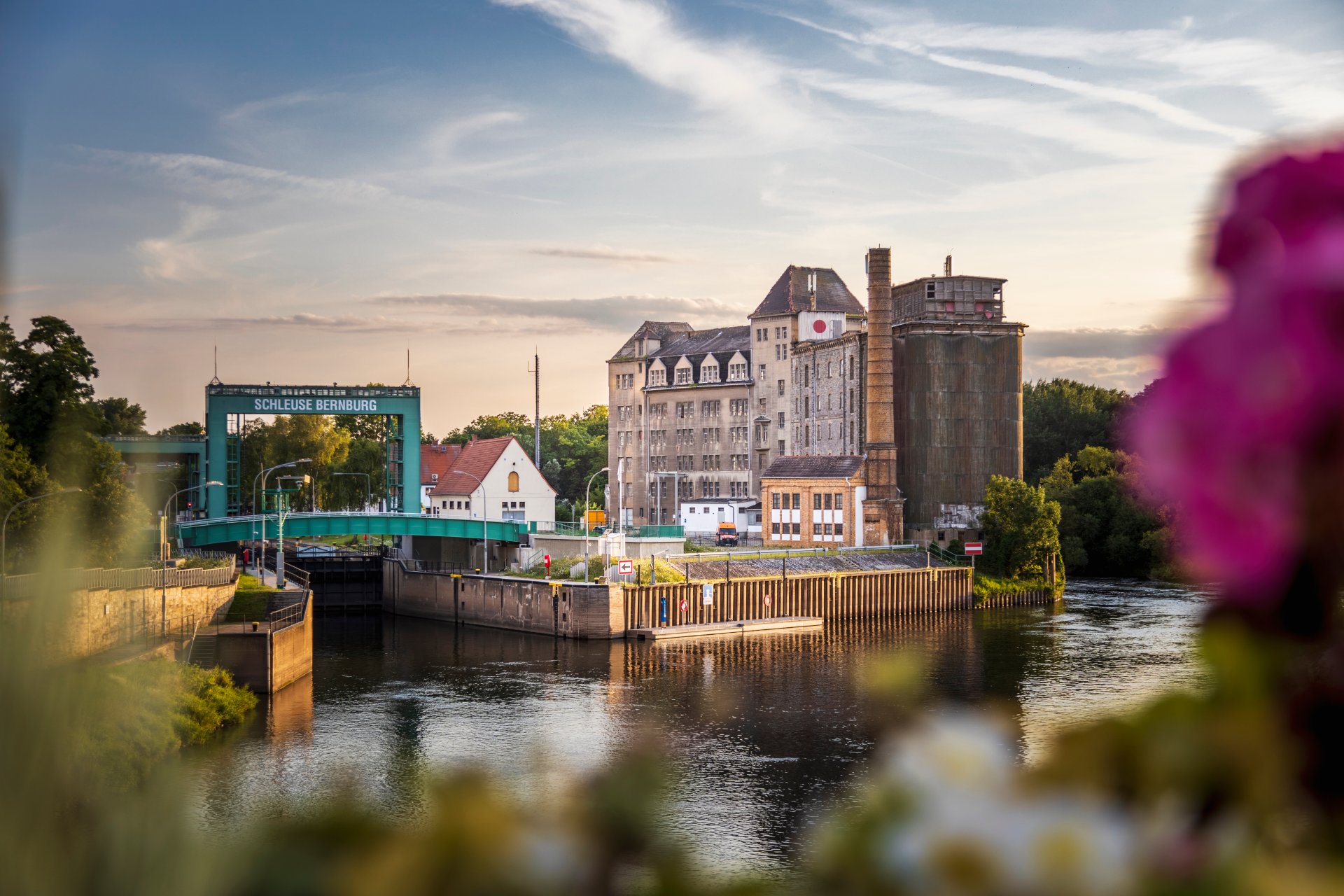
Lock in Bernburg (Saale)
Saalefee on the river Saale
This page has been automatically translated. There may therefore be discrepancies and inaccuracies in the text. Only the original version is binding. Legal claims arising from the content of the translated version are excluded.

Bluetongue

Information on the current bluetongue situation with effects on the Salzland district

The Salzlandkreis Department for Veterinary Affairs and Consumer Health Protection wishes to inform all owners of cloven-hoofed animals that, due to the confirmed outbreaks of bluetongue in several federal states involving the BTV 8 variant, the associated 150 km trade restriction zones affect the entire Salzlandkreis.

The map of the area can be seen here:

With regard to BTV 3, Germany is still considered to be entirely within the virus’s area of spread.

Certain movement regulations apply until 31 October 2026 to the movement of animals from the restricted zones (BTV 8) to unrestricted areas of Germany. These regulations, as well as any necessary declarations from animal keepers, can be found here:

Further information for affected owners of cattle, sheep and goats is available for the outbreak in Saxony via the link ‘Bluetongue of serotype 8 detected in a cow in Saxony’ and for the outbreaks in Lower Saxony via the link ‘Bluetongue | Animal Disease Information’.

No departments found.

Help with accessibility

  • General

    We strive to make our websites accessible to all users. Details can be found in our accessibility statement. You can send us your suggestions for improvement using our accessibility feedback form.

  • Font size

    To adjust the font size, please use the following key combinations:

    Larger

    command
    +

    Smaller

    command

    Larger

    Ctrl
    +

    Smaller

    Ctrl
  • Keyboard navigation

    Use TAB and SHIFT + TAB to navigate through next/previous links, form elements, and buttons.

    Use ENTER to open links and interact with elements.

  • Contrast mode

    Press the following key combination to reduce or increase the contrast:

    Enlarge

    control
    option
    command
    .

    Decrease

    control
    option
    command
    ,
    Note: The shortcuts must be activated in the system settings of the operating system.

    Press the left ALT key + left SHIFT key + PRINT to quickly turn high contrast mode on or off.

  • Invert colours

    Press the following key combination to switch the colour inversion on and off:

    control
    option
    command
    8
    Note: The shortcuts must be activated in the system settings of the operating system.

    First activate the screen magnifier and then switch the colour inversion on and off with the following key combinations:

    1. screen magnifier

    +

    2. invert colours

    Ctrl
    Old
    I
  • Screen magnifier

    Press the following key combinations to use the screen magnifier:

    Switch on/off

    option
    command
    8

    Enlarge view

    option
    command
    =

    Zoom out view

    option
    command
    Note: The shortcuts must be activated in the system settings of the operating system.

    Switch on / Enlarge view

    +

    Zoom out view