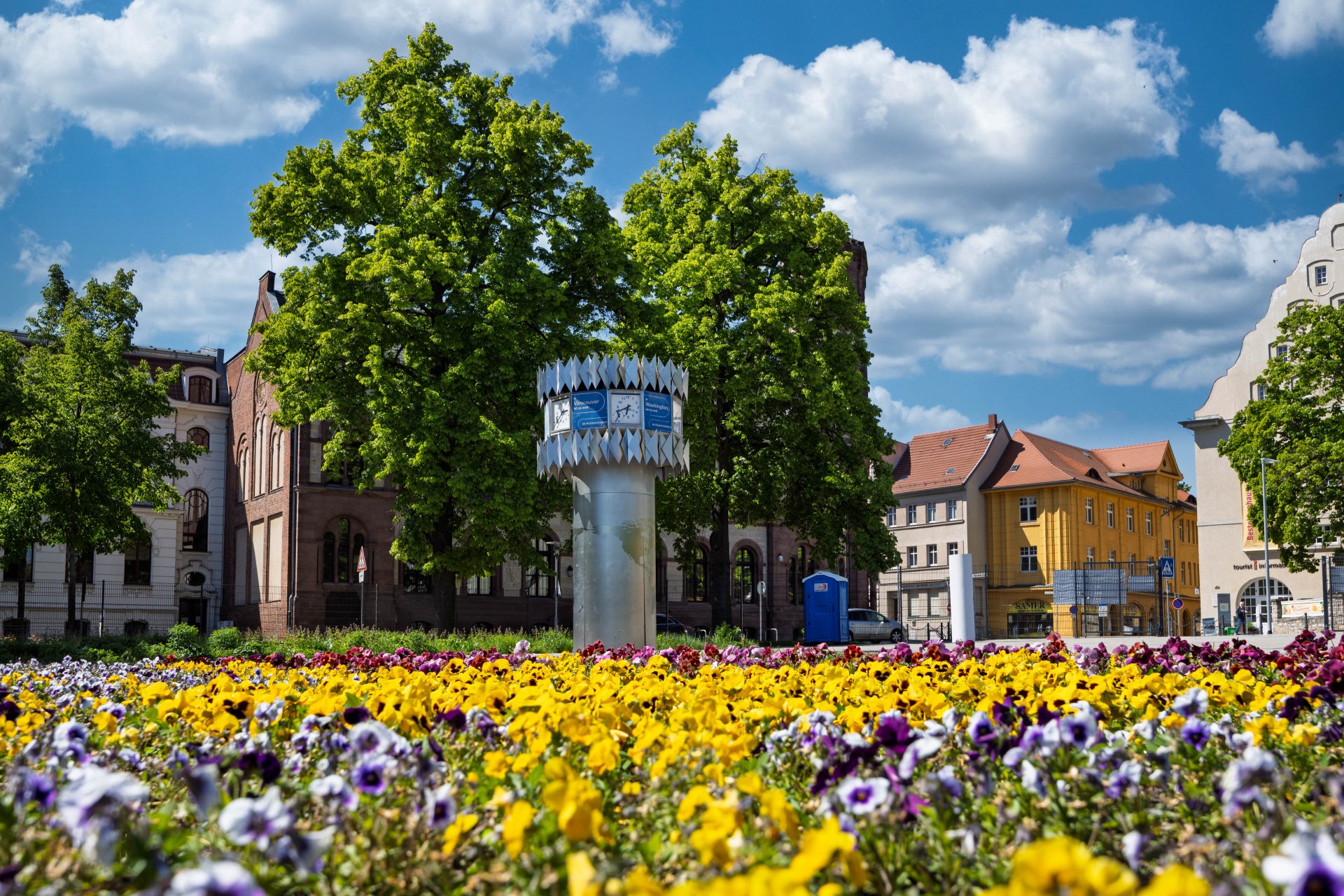

World time clock in Aschersleben
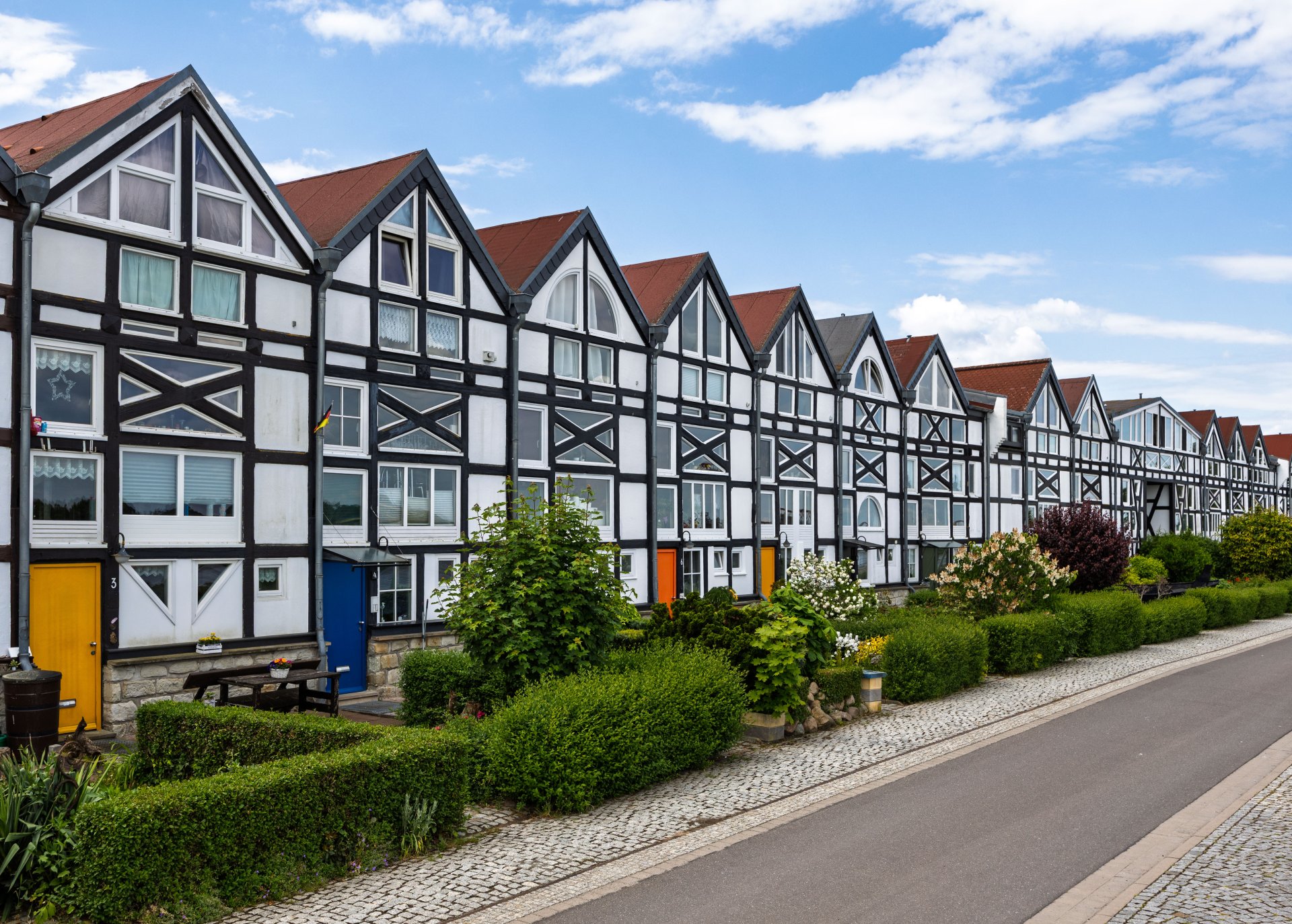
Half-timbered houses in Schönebeck
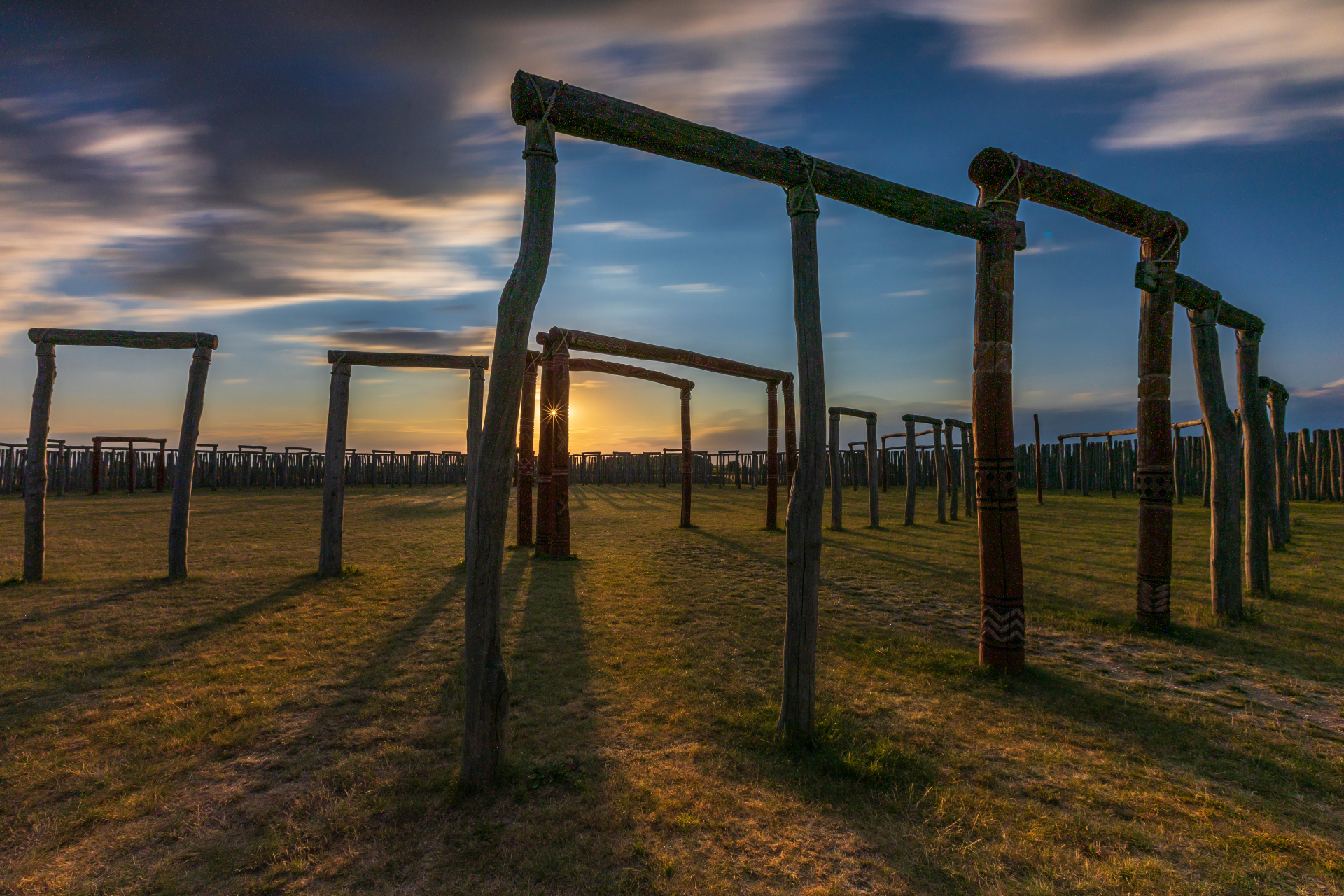
Pömmelte ring shrine
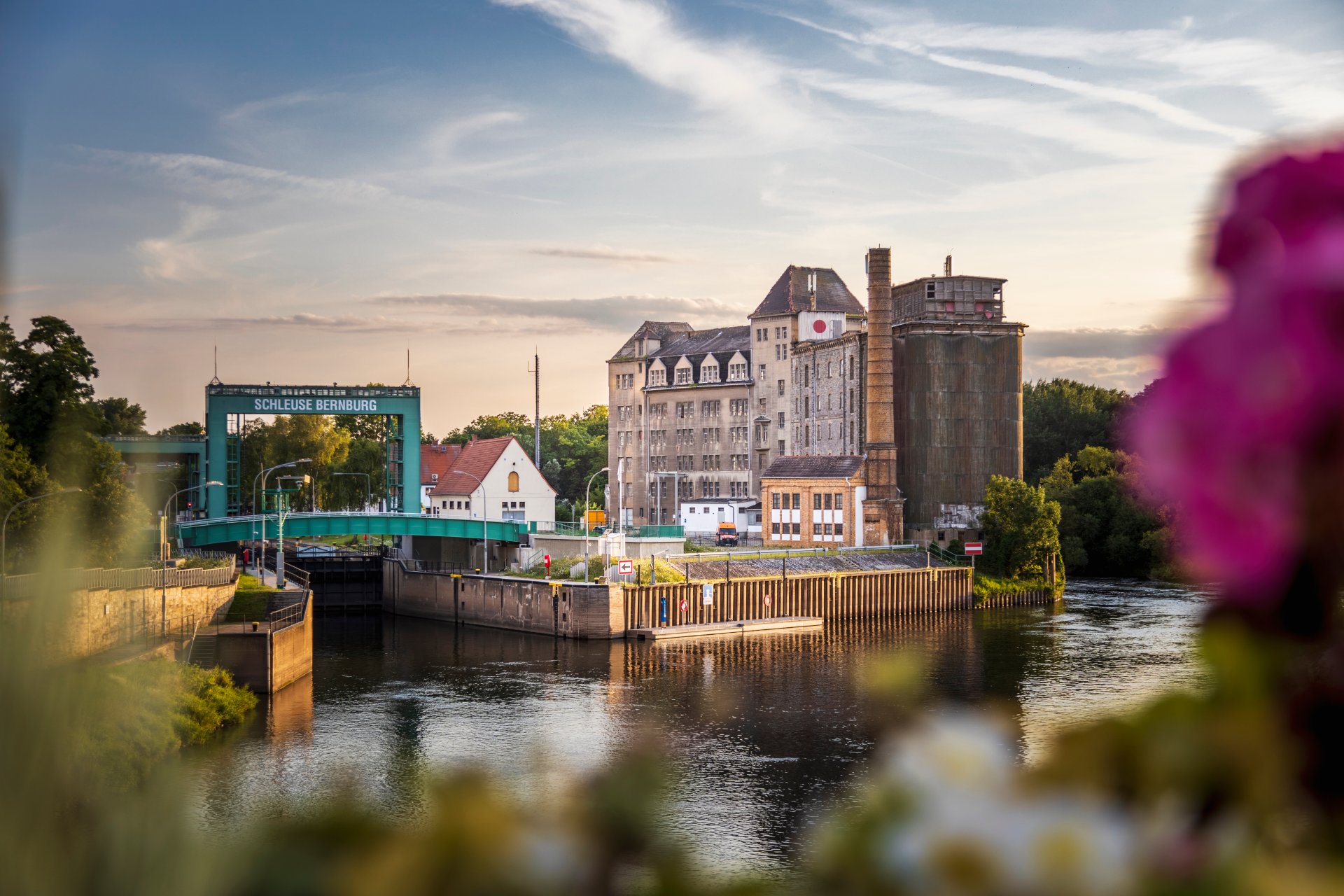
Lock in Bernburg (Saale)
Saalefee on the river Saale
This page has been automatically translated. There may therefore be discrepancies and inaccuracies in the text. Only the original version is binding. Legal claims arising from the content of the translated version are excluded.

Viennese stories at the Salzland Museum

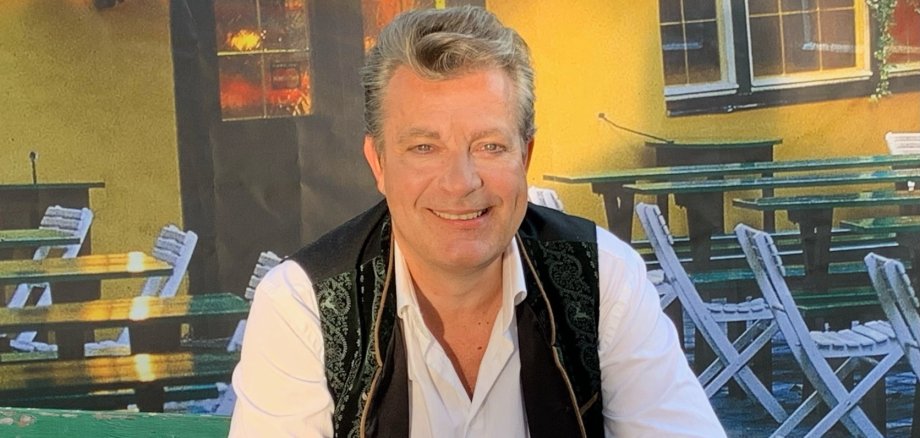
Schönebeck. Viennese tales, singing, coffee and cake – all the makings of an entertaining Sunday afternoon. On 4 October, the Salzland Museum and the museum’s Friends’ Association are hosting Alexander Klinger, the tenor from Vienna, and the Vindobona Salon Orchestra, and warmly invite guests to attend.

This is the second instalment of the ‘Viennese Tales’ and, once again, a two-hour encounter with a host of endearing Viennese characters. Visitors will discover just how good a permanent employee’s life is, what makes a horse-drawn carriage driver so endearing, and what pitfalls the profession of a singer in Vienna entails. All presented in a charming and humorous musical style by Alexander Klinger and Vindobona at a joint event organised by the Salzlandmuseum Friends’ Association and the Salzlandmuseum.

Ticket bookings are now open at the Salzland Museum: €20 per person (including singing, coffee, cake and fun) at:

+49 3471 684-624410


Viennese Song Afternoon, Part 2 | 4 October 2026 | 3.00–5.00 pm (doors open from 2.30 pm) | Salzlandmuseum, Gallery Hall, Schönebeck

Help with accessibility

  • General

    We strive to make our websites accessible to all users. Details can be found in our accessibility statement. You can send us your suggestions for improvement using our accessibility feedback form.

  • Font size

    To adjust the font size, please use the following key combinations:

    Larger

    command
    +

    Smaller

    command

    Larger

    Ctrl
    +

    Smaller

    Ctrl
  • Keyboard navigation

    Use TAB and SHIFT + TAB to navigate through next/previous links, form elements, and buttons.

    Use ENTER to open links and interact with elements.

  • Contrast mode

    Press the following key combination to reduce or increase the contrast:

    Enlarge

    control
    option
    command
    .

    Decrease

    control
    option
    command
    ,
    Note: The shortcuts must be activated in the system settings of the operating system.

    Press the left ALT key + left SHIFT key + PRINT to quickly turn high contrast mode on or off.

  • Invert colours

    Press the following key combination to switch the colour inversion on and off:

    control
    option
    command
    8
    Note: The shortcuts must be activated in the system settings of the operating system.

    First activate the screen magnifier and then switch the colour inversion on and off with the following key combinations:

    1. screen magnifier

    +

    2. invert colours

    Ctrl
    Old
    I
  • Screen magnifier

    Press the following key combinations to use the screen magnifier:

    Switch on/off

    option
    command
    8

    Enlarge view

    option
    command
    =

    Zoom out view

    option
    command
    Note: The shortcuts must be activated in the system settings of the operating system.

    Switch on / Enlarge view

    +

    Zoom out view