
Elongated wooden cube labelled "Current topics" in blue. Next to it, further square wooden cubes with symbols. A biro on the right and a computer keyboard in the background.
This page has been automatically translated. There may therefore be discrepancies and inaccuracies in the text. Only the original version is binding. Legal claims arising from the content of the translated version are excluded.

New pension notification letters must be submitted without delay

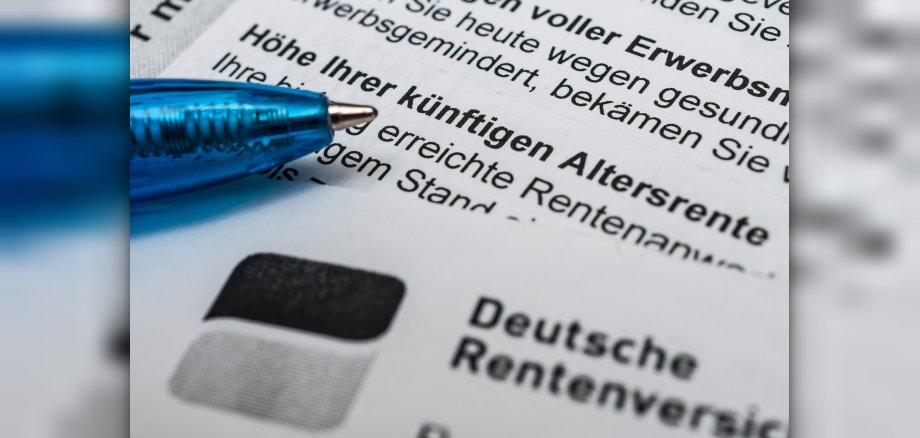
As a result of the nationwide adjustment, pension payments in Germany will rise by 4.24 per cent with effect from 1 July 2026. As pension income has a direct impact on the calculation of state benefits under Book II of the Social Code (SGB II), the Salzlandkreis Jobcentre is reminding those entitled to benefits of their statutory duty to cooperate.

The latest pension notification letters must be submitted to the relevant authority without delay. Although old-age pensioners do not receive benefits under SGB II, their pension may, where applicable, be taken into account as income for members of a joint household. Accordingly, an increase in the pension may, under certain circumstances, lead to a change in the benefits to which the household is entitled. Furthermore, the annual pension adjustment also increases the survivors’, reduced earning capacity and accident pensions of benefit recipients.

To avoid delays or miscalculations in benefit payments, the relevant notices are initially issued on a provisional basis. The Jobcentre will, for the time being, add the forthcoming increase to the current pension as a lump sum from July 2026.

To ensure that the benefit calculation is verified and accurately adjusted, those affected are required to submit their new pension notice to the Salzlandkreis Jobcentre immediately upon receipt. The documents can either be sent by post to the relevant office, emailed directly, or submitted to the Jobcentre via the online mailbox (www.jc.salzlandkreis.de/onlinebriefkasten/).

If no official notification has yet been received, proof that the payment has been credited to the bank account will suffice for the time being.

Help with accessibility

  • General

    We strive to make our websites accessible to all users. Details can be found in our accessibility statement. Please send any suggestions for improvement to jc-redaktion@jc.kreis-slk.de.

  • Font size

    To adjust the font size, please use the following key combinations:

    Larger

    command
    +

    Smaller

    command

    Larger

    Ctrl
    +

    Smaller

    Ctrl
  • Keyboard navigation

    Use TAB and SHIFT + TAB to navigate through next/previous links, form elements, and buttons.

    Use ENTER to open links and interact with elements.

  • Contrast mode

    Press the following key combination to reduce or increase the contrast:

    Enlarge

    control
    option
    command
    .

    Decrease

    control
    option
    command
    ,
    Note: The shortcuts must be activated in the system settings of the operating system.

    Press the left ALT key + left SHIFT key + PRINT to quickly turn high contrast mode on or off.

  • Invert colours

    Press the following key combination to switch the colour inversion on and off:

    control
    option
    command
    8
    Note: The shortcuts must be activated in the system settings of the operating system.

    First activate the screen magnifier and then switch the colour inversion on and off with the following key combinations:

    1. screen magnifier

    +

    2. invert colours

    Ctrl
    Old
    I
  • Screen magnifier

    Press the following key combinations to use the screen magnifier:

    Switch on/off

    option
    command
    8

    Enlarge view

    option
    command
    =

    Zoom out view

    option
    command
    Note: The shortcuts must be activated in the system settings of the operating system.

    Switch on / Enlarge view

    +

    Zoom out view