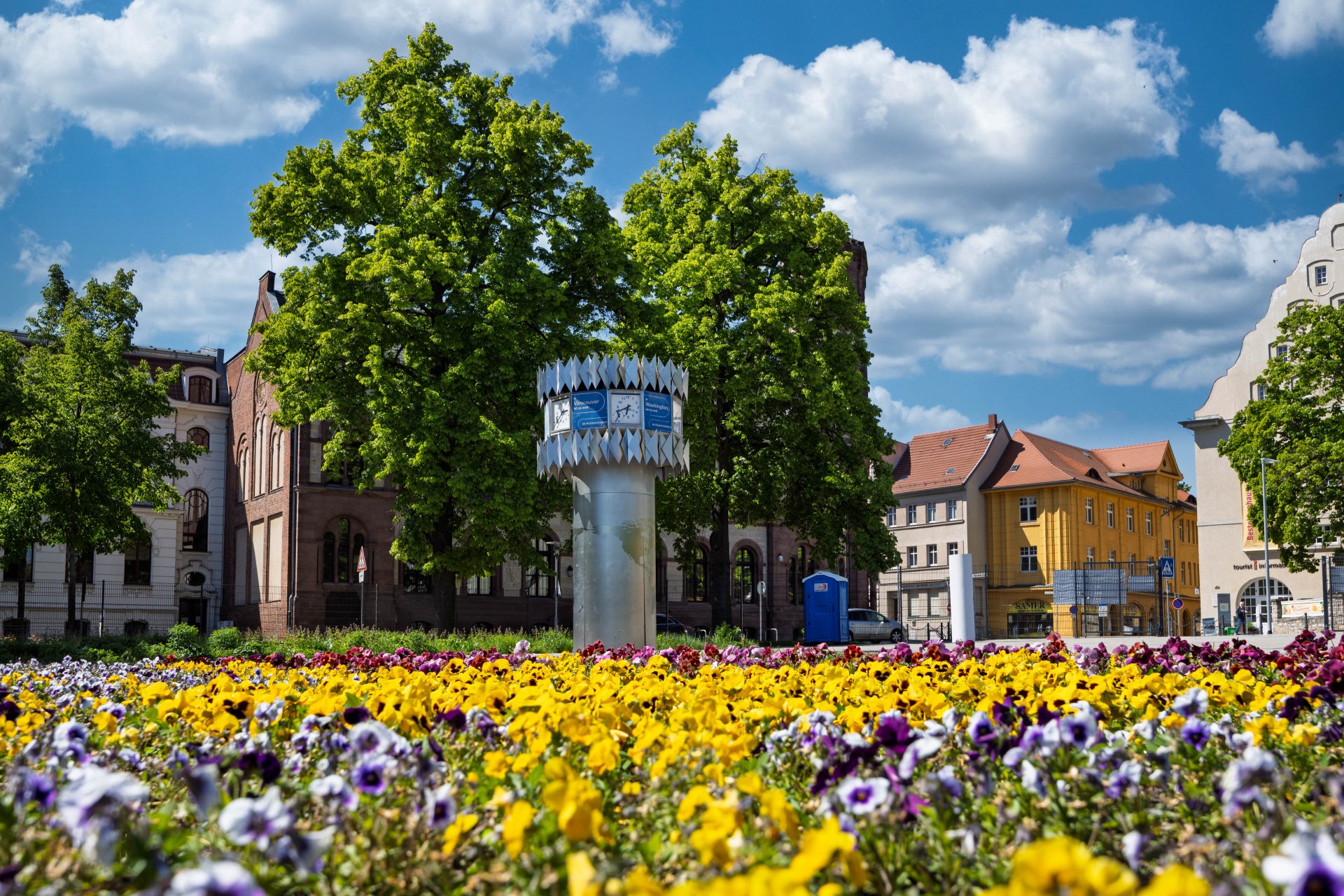

World time clock in Aschersleben
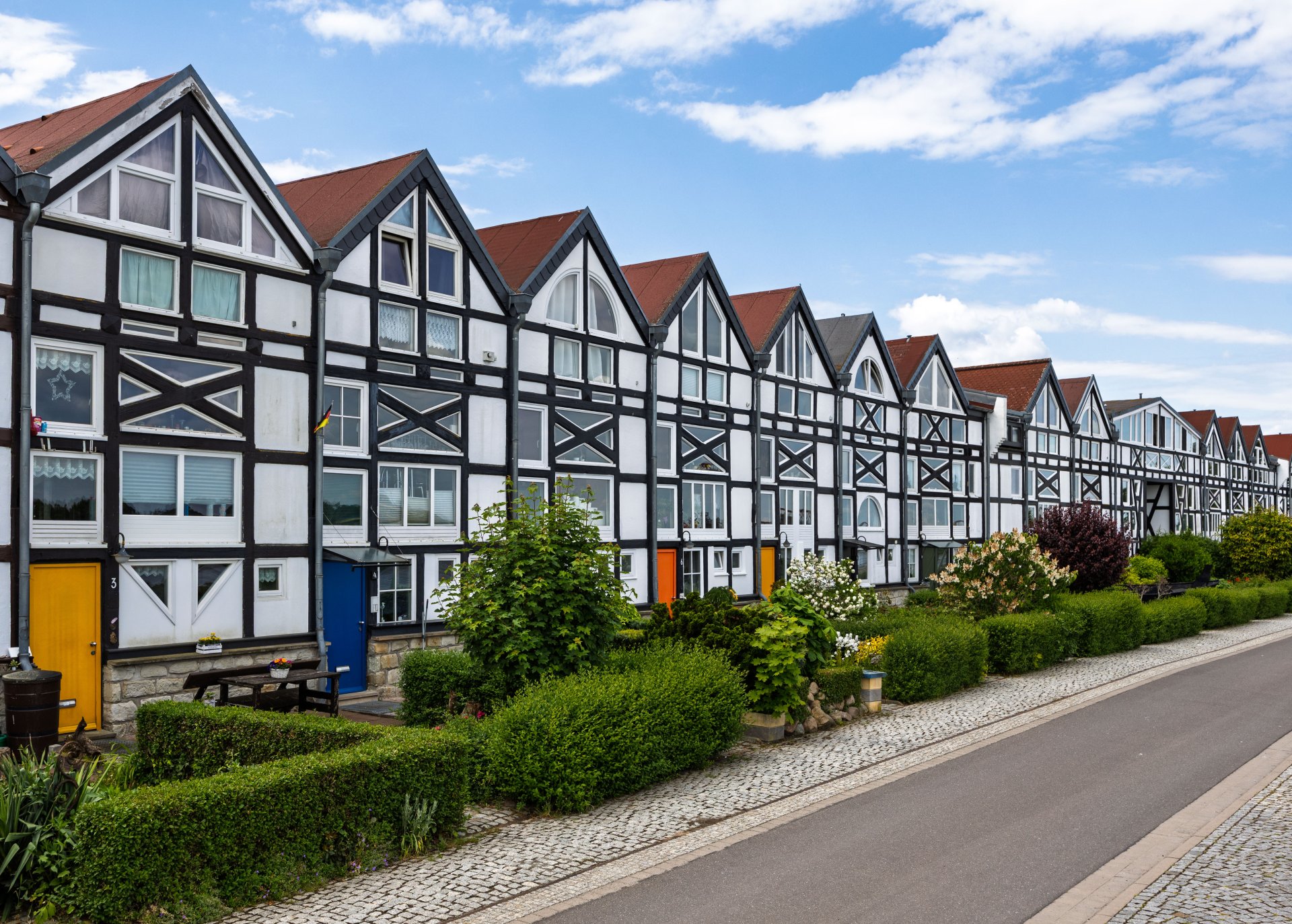
Half-timbered houses in Schönebeck
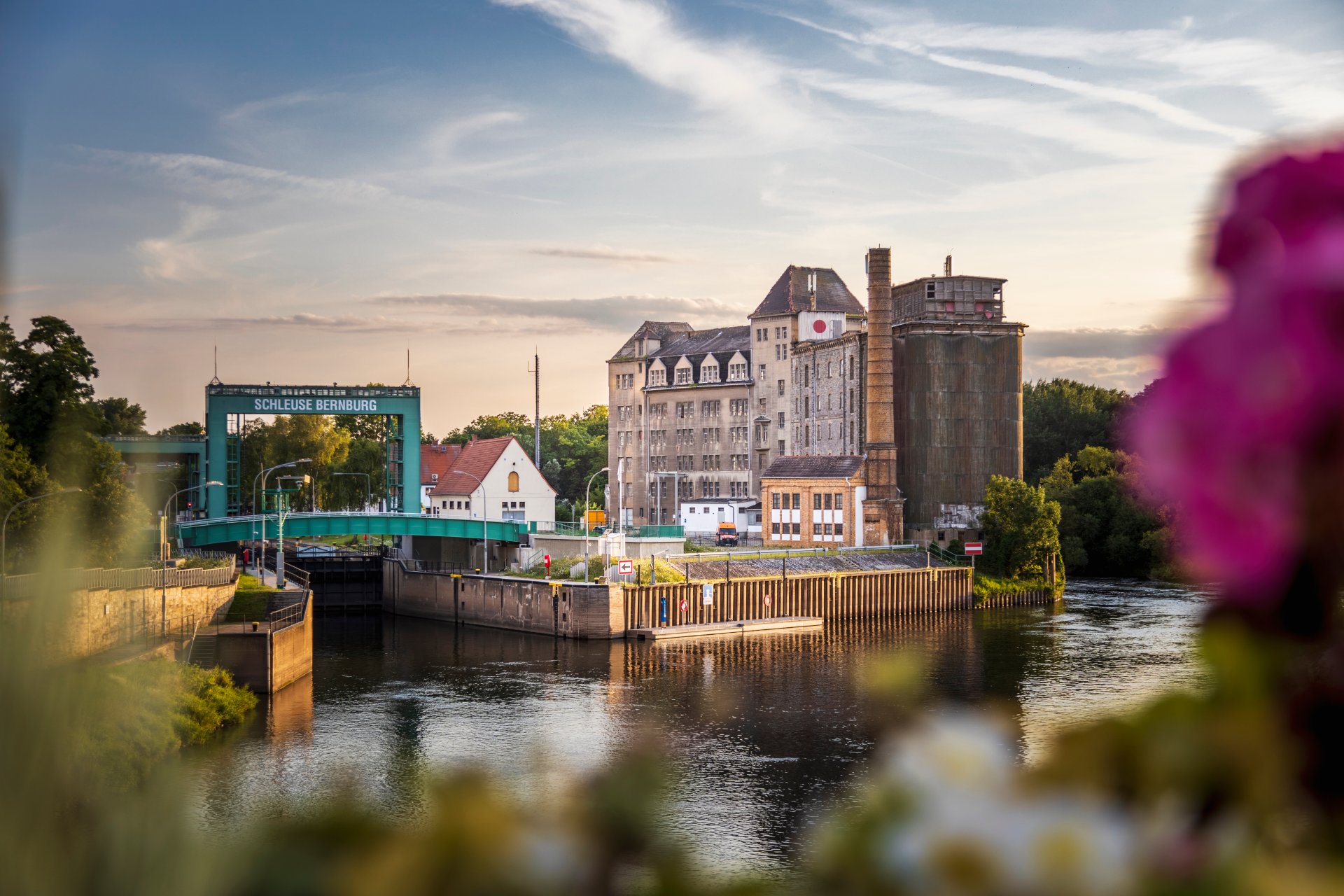
Lock in Bernburg (Saale)
Saalefee on the river Saale
This page has been automatically translated. There may therefore be discrepancies and inaccuracies in the text. Only the original version is binding. Legal claims arising from the content of the translated version are excluded.

Tasks & use

Tasks

As a department of the district administration, the district archive has a legal and administrative function. It sees itself as the memory of the Salzland district, preserving its identity and at the same time acting as a service provider for citizens, administration and researchers.

The developments in the district, the work of the administration and the diverse lives of the citizens are to be illustrated with carefully selected archive records for those interested today and future generations. In this way, the district archive fulfils its nationally and internationally legally stipulated function of protecting cultural assets.

Utilisation

 More or less free access to archive records is a criterion for a society's understanding of freedom and democracy. Nevertheless, there are reasonable reasons to protect some private or state data for a certain period of time.

Any citizen with a legitimate interest can visit our centre to obtain information, learn or collect data to enforce their own claims.

We need some time to check the legal requirements, carry out preliminary research and provide the requested documents. We therefore recommend that you contact us by e-mail or telephone before your visit.

Of course, the archive material must be handled carefully and with care, which we will also see for ourselves from the background.

We support local historical research. In return, we expect you to share in the results if the archive is significantly involved. This would be possible, for example, in the form of a specimen copy, which would also secure you a place in the archive collection.

Searches for scientific, local history and educational purposes are free of charge unless they are predominantly of private interest. Further details are regulated by the administrative fee statutes of the Salzland district.


Help with accessibility

  • General

    We strive to make our websites accessible to all users. Details can be found in our accessibility statement. You can send us your suggestions for improvement using our accessibility feedback form.

  • Font size

    To adjust the font size, please use the following key combinations:

    Larger

    command
    +

    Smaller

    command

    Larger

    Ctrl
    +

    Smaller

    Ctrl
  • Keyboard navigation

    Use TAB and SHIFT + TAB to navigate through next/previous links, form elements, and buttons.

    Use ENTER to open links and interact with elements.

  • Contrast mode

    Press the following key combination to reduce or increase the contrast:

    Enlarge

    control
    option
    command
    .

    Decrease

    control
    option
    command
    ,
    Note: The shortcuts must be activated in the system settings of the operating system.

    Press the left ALT key + left SHIFT key + PRINT to quickly turn high contrast mode on or off.

  • Invert colours

    Press the following key combination to switch the colour inversion on and off:

    control
    option
    command
    8
    Note: The shortcuts must be activated in the system settings of the operating system.

    First activate the screen magnifier and then switch the colour inversion on and off with the following key combinations:

    1. screen magnifier

    +

    2. invert colours

    Ctrl
    Old
    I
  • Screen magnifier

    Press the following key combinations to use the screen magnifier:

    Switch on/off

    option
    command
    8

    Enlarge view

    option
    command
    =

    Zoom out view

    option
    command
    Note: The shortcuts must be activated in the system settings of the operating system.

    Switch on / Enlarge view

    +

    Zoom out view